
Ring Doorbell Not Charging? What Stops the Charge, Cause by Cause
A Ring doorbell that stops charging in the cold looks exactly like one with a dead battery. What the charging lights mean, what hardwiring and solar can and cannot do, the checks to run before blaming the battery, and what decides how long a charge lasts.
What to know
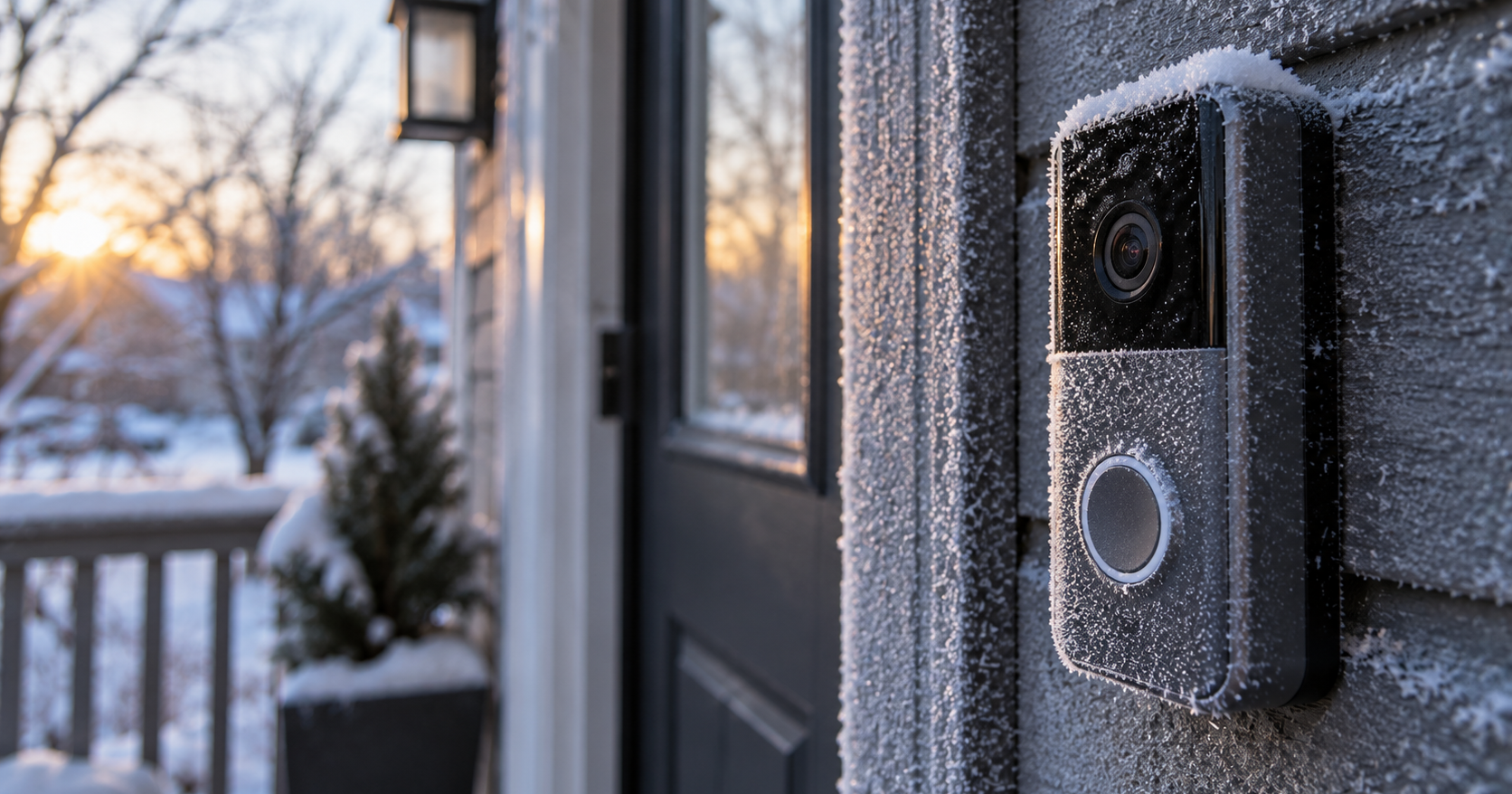
- Below freezing a Ring battery stops charging by design. Normal operation runs from -20°C to 50°C (-4°F to 122°F), best around 25°C (75°F); bring a cold device indoors and charge it over USB.
- Hardwiring gives a battery doorbell a trickle charge, not a full one. Battery models need 8-24 VAC at 5-40 VA; wired models have their own range, from 10-24 VAC (Wired Doorbell 2K) to 16-24 VAC (2K Plus and 4K Pro).
- A solar panel needs three to four hours of direct sun a day and adds nothing above 90 percent, so an idle panel on a nearly full battery is normal.
- A full charge takes up to 10 hours from a USB source of at least 1 amp. A removable pack shows green and amber while charging and is full when only green is lit.
- Ring gives no battery life figure beyond "months between charges"; drain depends on how many events the doorbell handles. Device Health over a week or two gives the figure for yours.
A Ring doorbell that will not take a charge is not necessarily broken. Three of the four causes are the device working as designed: below freezing the battery stops charging to protect itself, hardwiring only trickles, and a solar panel adds nothing to a battery that is already too full to accept more. The fourth is a cable, an outlet or a pack that was never seated properly. Give it time before deciding anything: a full charge takes up to 10 hours from a USB source rated at least 1 amp, so a battery that has barely moved after an hour proves nothing yet.
These checks cover Ring doorbells with a battery. The Wired Doorbell 2K, 2K Plus and 4K Pro take their power from the transformer, and the Wired Doorbell 4K Elite from Power over Ethernet, so on those a problem is a supply problem and the per-model transformer ranges are the place to start. A doorbell that will not power on at all, including one showing a flashing red light on a compatible power source, also points at supply rather than at the battery. If the app cannot reach the device at all, check status.ring.com before taking anything apart. Ring renamed its doorbells and cameras in July and August 2026, so the model names here are the current ones and will not match articles written before that.
Start with the checks that cost nothing: the cable and adapter (rated at least 1 amp), a removable pack seated all the way in, and a device that is online. If those pass and it is freezing outside, bring the doorbell indoors and charge it there.
What "not charging" looks like on your model
There are two hardware types and they report charge differently.
Removable Quick Release Battery Pack. The battery slides out as a pack. The current battery doorbells with a pack are the Battery Doorbell 2K Plus and Battery Doorbell 4K Pro, renamed on August 5, 2026 from Battery Doorbell Plus (2nd Gen) and Pro (2nd Gen); the older Video Doorbell 2, 3, 3 Plus and 4 and the first Battery Doorbell Plus and Pro also use a pack. A charging pack shows two lights, a solid green one and an amber one. It is full when only the green is left.
Built-in battery. The Battery Doorbell 2K (renamed on August 5, 2026 from Battery Doorbell (2nd Gen)), the original Battery Doorbell and the Video Doorbell (1st and 2nd Gen) work this way. The whole doorbell comes off its bracket to charge, so there is no pack to read. The circular LED on the front is the indicator: solid means full.
Both types are held on by the small star-shaped security screws that came in the box, and those are the screws to use rather than whatever is in the drawer. After refitting a charged battery, give it up to 60 seconds to power on before deciding something is wrong.
The battery cameras use the same packs and behave identically. That covers the Spotlight Cam, Stick Up Cam and Outdoor Cam families including their Plus and Pro variants, with the same up to 10 hours and the same two lights. Everything below about cold, solar and drain applies to them too.
Below freezing, charging stops on purpose
A battery below freezing stops taking a charge. Ring built it to do that: it is the lithium-ion battery protecting itself, not a defect.
The temperature figures around that cutoff:
- Normal operation between -20°C and 50°C (-4°F and 122°F). Individual models vary by a degree or two: the Battery Doorbell 2K and both Quick Release packs are rated for -20.5°C to 48.5°C (-5°F to 120°F).
- Best performance around 25°C (75°F).
- Around freezing, battery life shortens.
For a cold device, stop waiting for it to charge where it hangs: bring it indoors and charge it over USB. Heat works the same way in reverse: a device that gets too hot will not charge and can shut down.
Ring gives no cutoff more precise than "below freezing", and no time for how long a cold battery needs indoors before it accepts a charge again. A doorbell that refuses outdoors in January and charges fine on the kitchen counter is behaving as designed.
Hardwired and still going flat
Hardwiring a battery doorbell to existing doorbell wiring or a low-voltage transformer supplies a trickle charge. A doorbell busy enough to spend more than the trickle delivers will keep sliding down no matter what the wiring is doing.
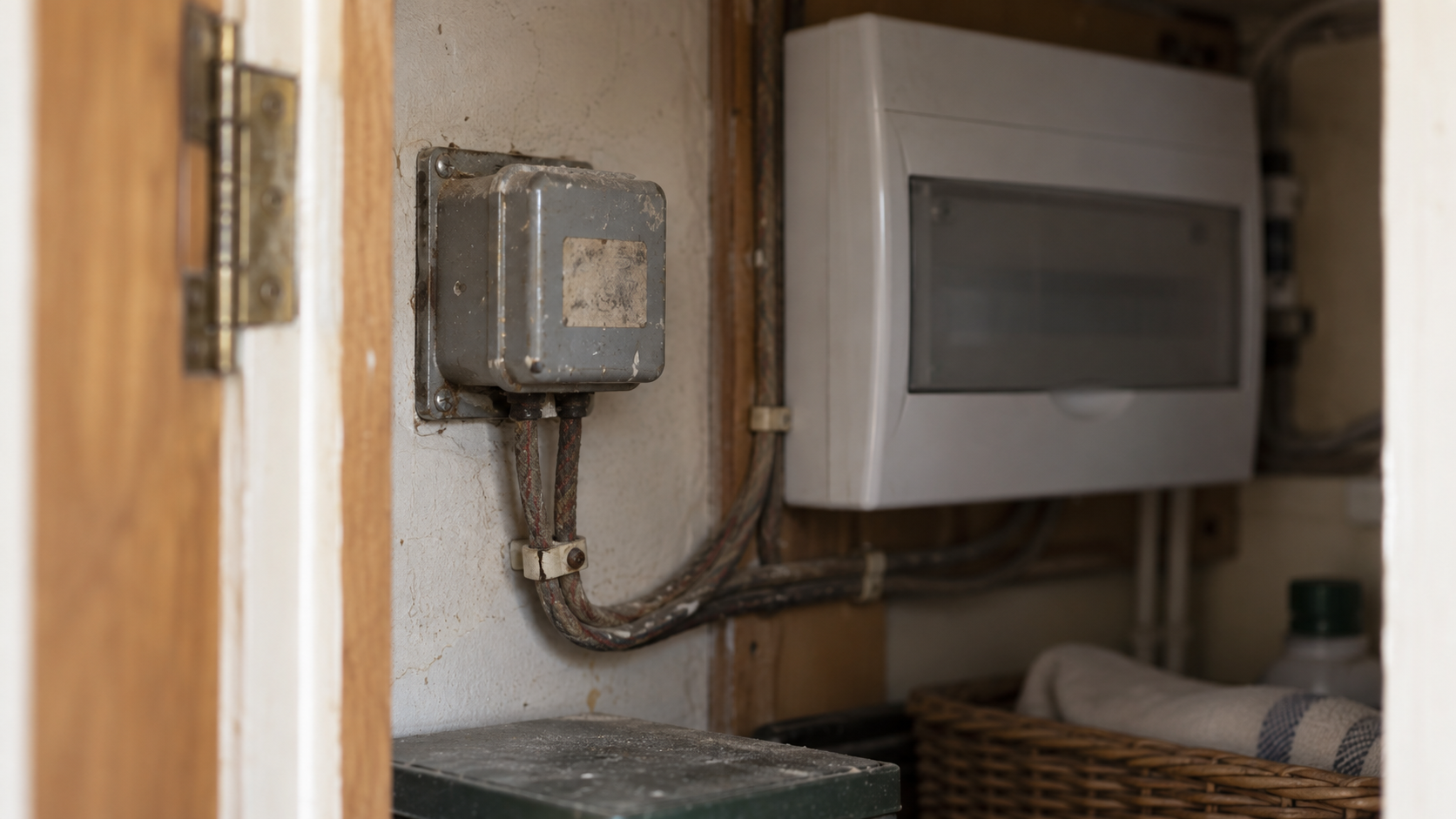
A battery-powered doorbell wants a transformer rated 8 to 24 VAC at 5 to 40 VA. Several hardwired doorbells sharing one transformer want 16 VAC at 30 VA. Wired doorbells without a battery have their own ranges per model, and those sit in our guide to a doorbell that keeps going offline. The wrong rating can damage devices and stop an in-home chime working properly, so this is not the place to approximate.
The symptoms of a doorbell that is not getting enough power:
- It does not power on from a compatible source, or shows a flashing red light.
- It loses power at night, or right after the button is pressed.
- The in-home chime does not ring, or rings, buzzes or hums by itself.
- Power-hungry features such as Package Detection cannot be enabled.
- The app reports a poor power rating.
Ring gives no figure for the trickle rate and does not directly explain why a hardwired doorbell can still run down over time. It does say that an undersized or failing transformer causes the symptoms above. So if the level keeps falling with the wiring connected, we would check the transformer rating and the wiring before suspecting the battery, and put the device on USB to get it back to full in the meantime.
Solar, and the 90 percent ceiling
A solar charger needs three to four hours of direct sunlight a day to keep a battery doorbell topped up over time.
A battery only accepts new charge below 90 percent, so a panel sitting on a nearly full battery is supposed to look idle.
Check these limits before buying a panel:
- Indoor light will not do it, however bright the room feels.
- Covered porches are a poor fit, and indoors is not recommended at all.
- Stacked mounting kits can shade the panel.
- Extreme temperatures stop solar charging too, for the same battery-protection reason.
Solar chargers are listed for the Video Doorbell 3, 3 Plus and 4, the Video Doorbell (2nd Gen), the original Battery Doorbell, the Battery Doorbell Plus and Pro, and the Battery Doorbell 2K, 2K Plus and 4K Pro. The ones for the Video Doorbell 2 and the first generation are discontinued. Ring sells four of them, still under the old names. The Solar Charger for Battery Doorbells fits the Video Doorbell 3, 3 Plus and 4 and the earlier Battery Doorbell Plus and Pro, and is rated at 0.57 W ($44.99). The Solar Charger for Battery Doorbell, a USB-C panel for the original Battery Doorbell, is rated at 0.57 W ($49.99). The Solar Charger for the current 2K, 2K Plus and 4K Pro, sold under their pre-August name of 2nd Gen, is rated at 0.76 W ($49.99). For the fourth, the one for the Video Doorbell (2nd Gen), Ring gives no current price or output, so we cannot confirm either. Prices in this guide are US prices in USD on ring.com, September 2026. At under a watt in each case, a panel tops up a battery rather than charging it from empty.
Cable, adapter and pack: the checks to run first
The reasons a battery will not take a charge are ordinary ones, and each check costs nothing. This is the order we would use, because it rules out the simple explanations first:
- Outlet, cable and adapter. Check the outlet first. Then use the USB or USB-C cable that came with the device and any USB power source with a minimum output of 1 amp. An old laptop port or a cheap wall adapter can sit under that, and the result looks like a failing battery: it charges very slowly, or appears not to charge at all.
- Solar charger. If a panel is fitted, check it against the sunlight, placement and 90 percent limits in the solar section.
- Battery pack. Take a removable pack out and seat it again, all the way in.
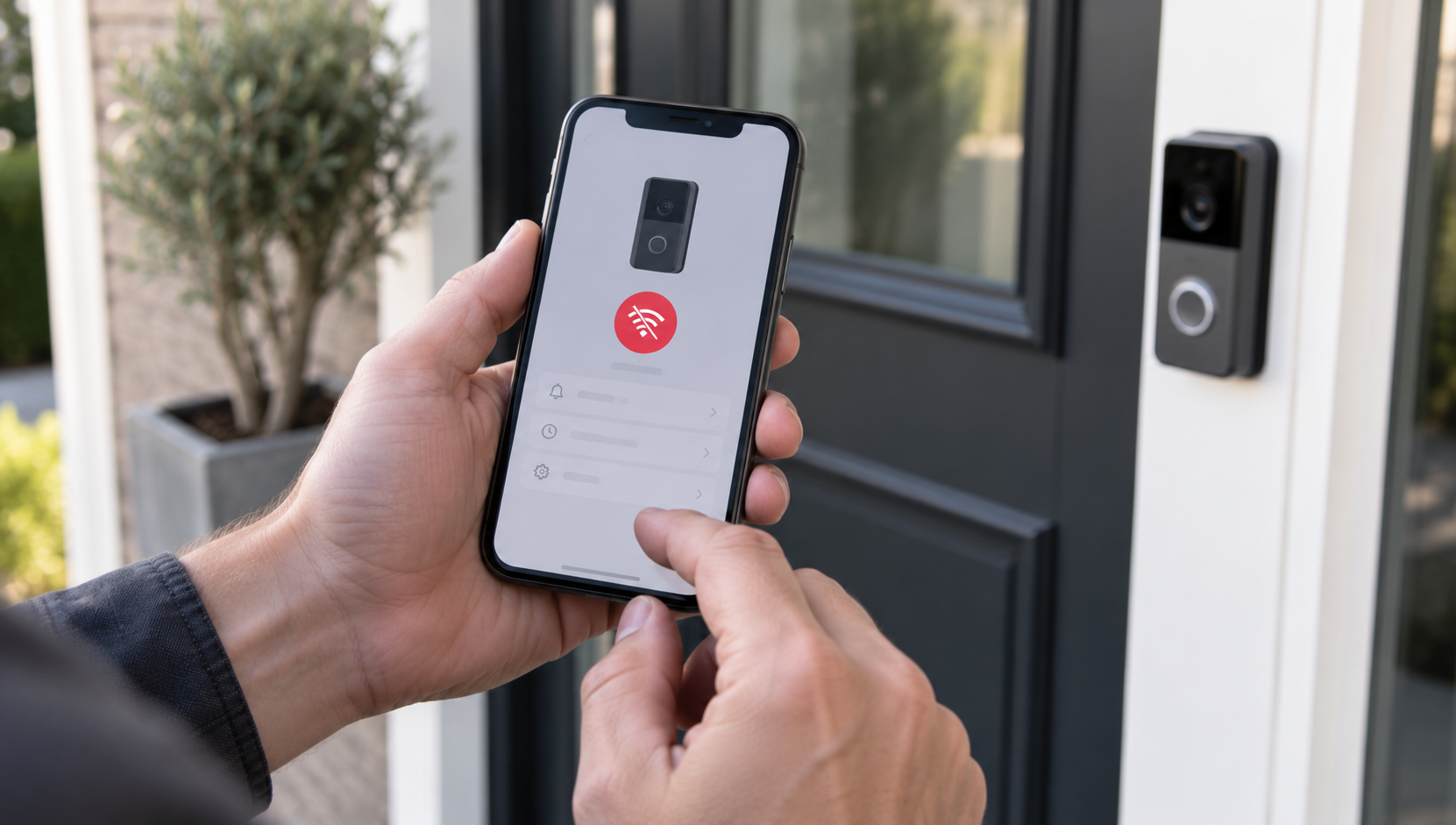
- Connection. Offline is a reporting problem, not a power problem: a doorbell that has lost its connection cannot send a fresh battery level, so the percentage in the app may be hours old. If it drops off Wi-Fi repeatedly, fix that first, because the reconnect cycle is a drain in its own right.
Why there is no battery life figure
Ring gives no battery life figure for any model, in hours or in days. It says only that batteries are made to last for months between charges.
The battery is spent per event, not per day: every motion event, Live View and linked event costs charge, so the interval depends on where the doorbell points and how busy that spot is.
Working from home changes the arithmetic. A doorbell on an empty house has little to wake it during the day. A doorbell on a house where someone is in all day handles more events: deliveries, visitors, people passing, and a Live View each time someone checks who is there. Same hardware, a different job, and a charging interval that will look nothing like the one in a review.
So any specific number quoted elsewhere is an estimate from someone else's porch. The figure that applies to yours is the one in the app under Device Health, watched across a week or two of ordinary use.
What drains the battery
What makes a battery drain faster than expected:
- Event volume. More Live Views, linked events and motion events, more recharges.
- Cold. Rechargeable batteries drain faster in cold weather, separately from the charging cutoff.
- A weak Wi-Fi signal. A device on a poor connection disconnects and reconnects repeatedly, and that cycle costs power.
- Overcharging. Charging batteries too much can make them run out faster and take longer to charge.
- Age. Performance degrades after extended use.
Every setting named for extending battery life does the same one thing: it reduces how often the device wakes up. Lower the motion sensitivity, tighten the motion zones, set motion frequency to Regularly or Periodically, point the device away from busy areas, and unlink devices so one camera's event does not wake another.
Of those, motion zones have the most room in them. A zone that takes in a public sidewalk will trigger all day, and nothing about that is a fault. The field of view on each model sets how much street you are asking the device to watch in the first place. If you also run a subscription feature that records more, what gets recorded and when belongs alongside this.
When the battery itself is the problem
Battery performance degrades after extended use. Ring says that much, but gives no cycle count and no replacement interval, so there is no point at which a pack is officially finished.
What is left is a practical test. If the battery reaches full on USB, holds nothing like the time it used to at the same settings in the same season, and the device is neither offline nor hardwired to an undersized transformer, the pack is the remaining explanation.
On models with a removable pack that is a part you can replace, and a charged spare turns a 10-hour outage into a swap that takes a minute. The Quick Release Battery Pack is $34.99 and rated at 6,040 mAh; the Quick Release Ultra Battery Pack for the newest Plus, Pro and Peephole Cam 2K is $49.99 at 10,000 mAh with USB-C, both on Ring's own figures. Buy the spare before you need it. Doorbells with a built-in battery do not offer that, and a failing battery there is a support case rather than a purchase.
A battery that is visibly swollen, damaged or hot is not a troubleshooting case: do not charge it again. Stop and contact Ring.
Sources
Everything above comes from Ring's own support articles and product pages, accessed in September 2026; the five prices were last checked on September 22, 2026. How we research explains the approach.
- Ring Help, "Charging your Ring doorbell" (up to 10 hours at 1 amp, charging lights, 60 seconds to power on, trickle charge from hardwiring)
- Ring Help, "Troubleshooting battery performance" (reasons a battery will not charge, causes of drain, battery-saving settings, Device Health)
- Ring Help, "Ring devices and extreme temperatures" (charging stops below freezing, operating range, heat)
- Ring Help, "Guidelines for Hardwiring Your Ring Video Doorbell" (per-model transformer ranges, PoE for the 4K Elite)
- Ring Help, "Troubleshooting power for hardwired doorbells" (8 to 24 VAC at 5 to 40 VA, 16 VAC at 30 VA for several doorbells, power symptoms)
- Ring Help, "Solar Chargers for battery doorbells" (three to four hours of sun, 90 percent limit, placement, compatible models)
- Ring Help, "Charging your Ring security camera batteries" (battery cameras: same packs, charge time and lights)
- Ring Help, "Ring product name changes" (July and August 2026 renames)
- Ring, "Solar Charger for Battery Doorbells" (Video Doorbell 3, 3 Plus and 4, Battery Doorbell Plus and Pro; 0.57 W; price)
- Ring, "Solar Charger for Battery Doorbell" (USB-C, 0.57 W, price)
- Ring, "Solar Charger" (Battery Doorbell 2K, 2K Plus and 4K Pro, sold as 2nd Gen; 0.76 W; price)
- Ring, "Quick Release Battery Pack" (6,040 mAh, compatibility, price)
- Ring, "Quick Release Ultra Battery Pack" (10,000 mAh, USB-C, compatibility, price)