
Do Ring Cameras Record All the Time? How Clips, 24/7 Recording and Storage Work
A Ring camera films in short clips unless you pay for more. What the subscription keeps, what Snapshot Capture fills in, which cameras can take the 24/7 add-on and what it switches off, and how long each kind of footage is kept.
What to know
- By default a Ring camera records only when triggered: motion, a doorbell press, or Live View. Battery devices record 20-second clips by default (15 to 120 seconds); wired devices 60 seconds or Auto, up to 120.
- Without a subscription you get live view and alerts but nothing is saved. Every new device starts a 30-day trial; when a plan lapses, stored videos are gone.
- 24/7 Continuous Recording is a $3-per-camera add-on (US pricing) for hardwired cameras and two wired doorbells only. It keeps 14 days of footage and switches off Pre-Roll, Snapshot Capture, Ring Edge local storage, and End-to-End Encryption.
- Event clips are kept 30 days (4K) or 60 days (1080p/2K) by default in the US, adjustable per device from 1 to 180 days. Snapshots last 7 to 14 days.
- Local storage exists only through a Ring Alarm Pro with a microSD card (Ring Edge), and only for 1080p devices with a subscription.
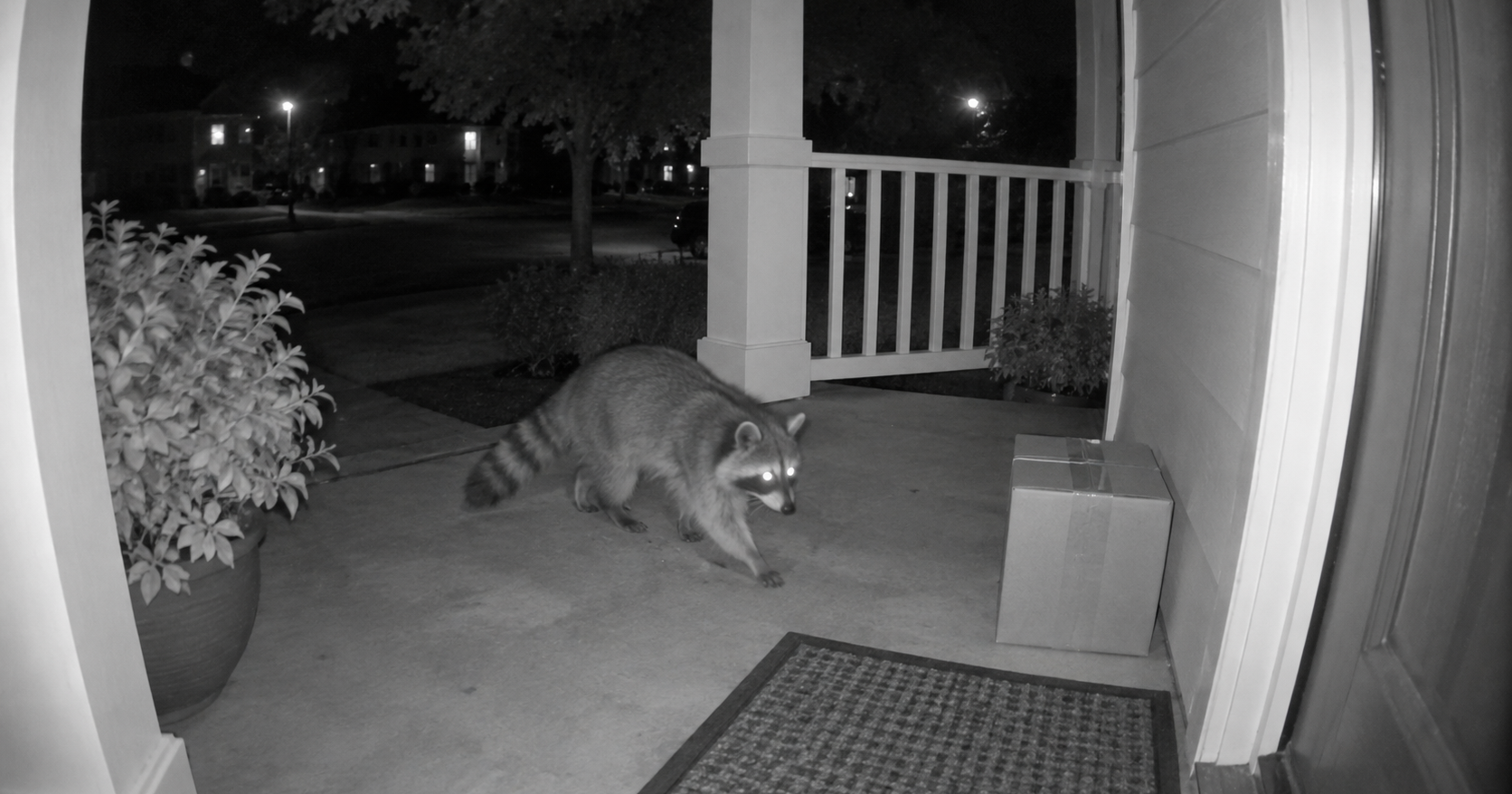
A Ring camera records only when something sets it off: detected motion, a press of the doorbell button, or you opening Live View. The rest of the day it records nothing. Two things change that, and both cost money. A subscription feature called Snapshot Capture fills the gaps with still photos, and a separate add-on gives round-the-clock video on a short list of hardwired cameras and two doorbells. That continuous footage is kept for 14 days at most, the shortest of any footage, while ordinary event clips can be kept for up to 180.
The storage defaults, plan names and prices below are for the United States; subscription features vary by country, and the default storage time is stated for the US specifically. Ring Alarm, Ring Intercom (not sold in the US) and the Car Cam have their own recording rules. Several devices were renamed in July and August 2026 to put the resolution in the name, so a "Floodlight Cam (2nd Gen)" on your box is the "Floodlight Cam 2K" in the eligibility list. The subscription tiers have been renamed too: Basic, Plus, Standard and Premium are plans that no longer exist under those names.
What a camera records on its own
Out of the box, Ring doorbells and cameras wait for a trigger and then record a clip. The recording-length settings size those clips, and changing them needs a compatible subscription. Battery devices default to 20 seconds per motion event and can be set between 15 and 120, where shorter clips buy longer battery life. Wired devices default to 60 seconds, with options from 50 to 120, and most ship on an Auto setting that starts recording when motion begins and stops when it ends, up to the 120-second ceiling. With Advanced Motion Detection on, a clip can end early once the movement stops.
Two features pad the front of each clip. Pre-Roll, on select battery doorbells, adds up to four seconds of low-resolution, silent video from before the trigger, and it needs good light to work. Advanced Pre-Roll, always enabled on wired doorbells and cameras, adds up to six seconds in full color with sound and works in low light. The two are listed side by side if you want the exact differences.
So a doorbell on an ordinary day records a handful of 20-to-60-second clips and is otherwise idle. That is the design rather than a shortcoming, and battery life, motion settings and storage limits all follow from it.
What a subscription buys
The trigger-and-record behavior above is the hardware. Keeping the clips is the subscription: Ring requires one to review recorded video. Without one you get live video and alerts as they happen, and nothing is saved. Every new device starts a free 30-day trial unless the address already has a plan, and if the trial or the plan lapses, the stored recordings are gone and cannot be retrieved.
The US plans, with list prices in US dollars in September 2026:
- Ring Solo, $4.99 a month or $49.99 a year, for one doorbell or camera.
- Ring Multi, $9.99 a month or $99.99 a year, for every device at one address.
- Ring Pro, $19.99 a month or $199.99 a year, which adds the intelligent alert features and professional monitoring for Ring Alarm.
- Virtual Security Guard, $99 a month, with live agents watching enrolled cameras.
All four include event video history of up to 180 days, Smart Alerts and Extended Live View. Prices are listed before tax and move from time to time, so check the plans page for the current figures.
On price alone, Multi costs exactly twice Solo, so at two devices it makes no difference which you pick, and from three devices Multi pays for itself. Pro is worth its premium mainly if you also run Ring Alarm, because the professional monitoring is what attaches to it.
Snapshot Capture: what happened between motion clips
Motion clips leave most of the day blank on the timeline. Snapshot Capture fills those hours: a subscription feature that takes stills at a set interval and places them on the Event History Timeline between the motion markers, where sliding along the timeline shows them. They appear only in the app, not on the Ring website. They are stored in the cloud for up to 14 days depending on plan, separately from video storage time, and a higher snapshot frequency on a battery device costs battery life.
Say you want to know who was in the driveway at 2:40, when no event fired. Snapshot Capture answers that in stills rather than video, which may or may not be enough for what you are trying to settle.
24/7 recording: who can have it, and what it switches off
24/7 Recording records audio and video continuously, day and night, as a timeline you can scrub through. The conditions that come with it:
- It is an add-on, not a plan. Any Ring Protect subscription qualifies, and the add-on costs $3 a month per camera. Elite multi-sensor cameras cost more: $6 for the Elite 140, $9 for the Elite 180, $15 for the Elite 270 and $18 for the Elite 360, a month.
- Only certain devices, and only on continuous power. The eligible devices in September 2026, in Ring's groups: Floodlight Cam 2K, 4K Pro, Wired Plus and Wired Pro; Indoor Cam (1st Gen), Indoor Cam (2nd Gen), Indoor Cam 2K and Pan-Tilt Indoor Cam; Outdoor Cam, Outdoor Cam 2K, Outdoor Cam Plus and Outdoor Cam 4K Pro; Spotlight Cam 2K, Plus, Pro and 4K Pro; Stick Up Cam Pro; Ring Elite 4K; and two doorbells, the Wired Doorbell 4K Elite and Wired Doorbell 4K Pro. The device has to be hardwired, plugged in, or powered over Ethernet. 24/7 cannot be switched on while a camera runs on battery or solar, and no battery doorbell is eligible.
- The continuous footage is kept for 14 days at most. Motion events on the same camera keep their normal storage time. To keep continuous video longer you download it, in segments of up to 10 minutes.
- It turns other things off. Pre-Roll and Snapshot Capture switch off automatically. It is not compatible with Ring Edge local storage or with End-to-End Encryption, so you cannot have continuous recording and local-only or encrypted video at the same time. It is limited to 10 devices per location.
- The blue light stays on. Because the camera is always recording, the recording indicator no longer goes dark between events.
- It uses your upload bandwidth all day, and Ring tells you to check local laws before enabling it.
Ring does not list the trade-off in one place: continuous recording fills the gaps and costs you encryption, local storage and pre-roll, and its own footage is the footage kept for the shortest time. We would turn it on for the one camera where the gaps matter and leave everything else on motion events, rather than treating it as an upgrade to apply across the house.
Switching a camera back to Motion-Based Recording hides the continuous footage from the timeline until you turn 24/7 back on, and Snapshot Capture returns if it was on before.
How long does Ring save videos?
Each kind of footage has its own retention period. Event clips follow each device's storage-time setting; continuous footage and snapshots have limits of their own.
- Event clips (motion, doorbell press, Live View): the US default is 30 days for 4K devices and 60 days for 1080p and 2K devices. Each device can be set separately to 1, 3, 7, 14, 21, 30, 60, 90, 120 or 180 days.
- 24/7 Recording footage: up to 14 days.
- Snapshot Capture stills: 7 to 14 days depending on plan.
- During the 30-day trial: the same rules apply, but the videos only survive if you subscribe before the trial ends.
A change to the storage time applies only to videos recorded after the change, so older clips keep the storage time they were recorded under. If a device is reset, replaced or set up under a new owner, the storage time reverts to the default. Videos are permanently gone when they expire, when you delete them, or when the subscription lapses.
The only way to keep anything past 180 days is to download it. A video shared by link can stay reachable through that link even after you delete the event in the app.
Where the footage lives
Recordings go to Ring's cloud, with one exception that needs extra hardware. A Ring Alarm Pro base station can process and store 1080p video from enrolled doorbells and cameras on a microSD card inside the base station, a feature called Ring Edge. The base station is $249.99. For the card, Ring sells its own 64 GB Ring Edge card at $14.99 (US prices, September 2026; the base station was out of stock at Ring on September 22), while Ring's own compatibility list names Samsung and SanDisk cards from 64 GB to 512 GB and not the Ring card. The two do not overlap, so a card from the compatibility list is the safer choice, and 64 GB is the small end of what the base station accepts. It still needs a compatible subscription, the devices have to be on the Alarm Pro's eero network, and it does not work with 2K or 4K devices or with 24/7 Recording. The card can optionally be encrypted, in which case the videos cannot be read on another device. Either way you view them through the app or Ring.com, not by putting the card into a computer.
Local storage is not the same thing as working offline, which is a separate question with a shorter answer: what a camera can and cannot do without Wi-Fi.
Downloads are the other route out of the cloud. Event clips download and share from the app or Ring.com, and continuous footage comes out in pieces of up to 10 minutes.
Turning recording off, and the audio question
There are several ways to stop a camera recording without unplugging it.

Modes are the broad control. A camera can be set to record in Home and Away but not in Disarmed, and in a Mode where recording is off it records nothing. The camera icon on each device tile is the quick switch; with it off, a camera records only when you open Live View or when a Linked Event from another device triggers it. Narrowing what counts as motion in the first place does the same job with more precision. Privacy Zones block up to two areas of the frame permanently from live and recorded video, though motion behind a zone can still trigger a recording of the rest of the frame.
An indoor camera in the room you take calls in captures your side of those calls every time motion fires, and motion fires when you move. Audio Streaming and Recording can be switched off on its own in Privacy Settings, several menus deep; that needs a compatible subscription, and with it off the recordings carry no sound. If you work from home, we would set the audio deliberately rather than leave it on the default.
How to tell a camera is recording
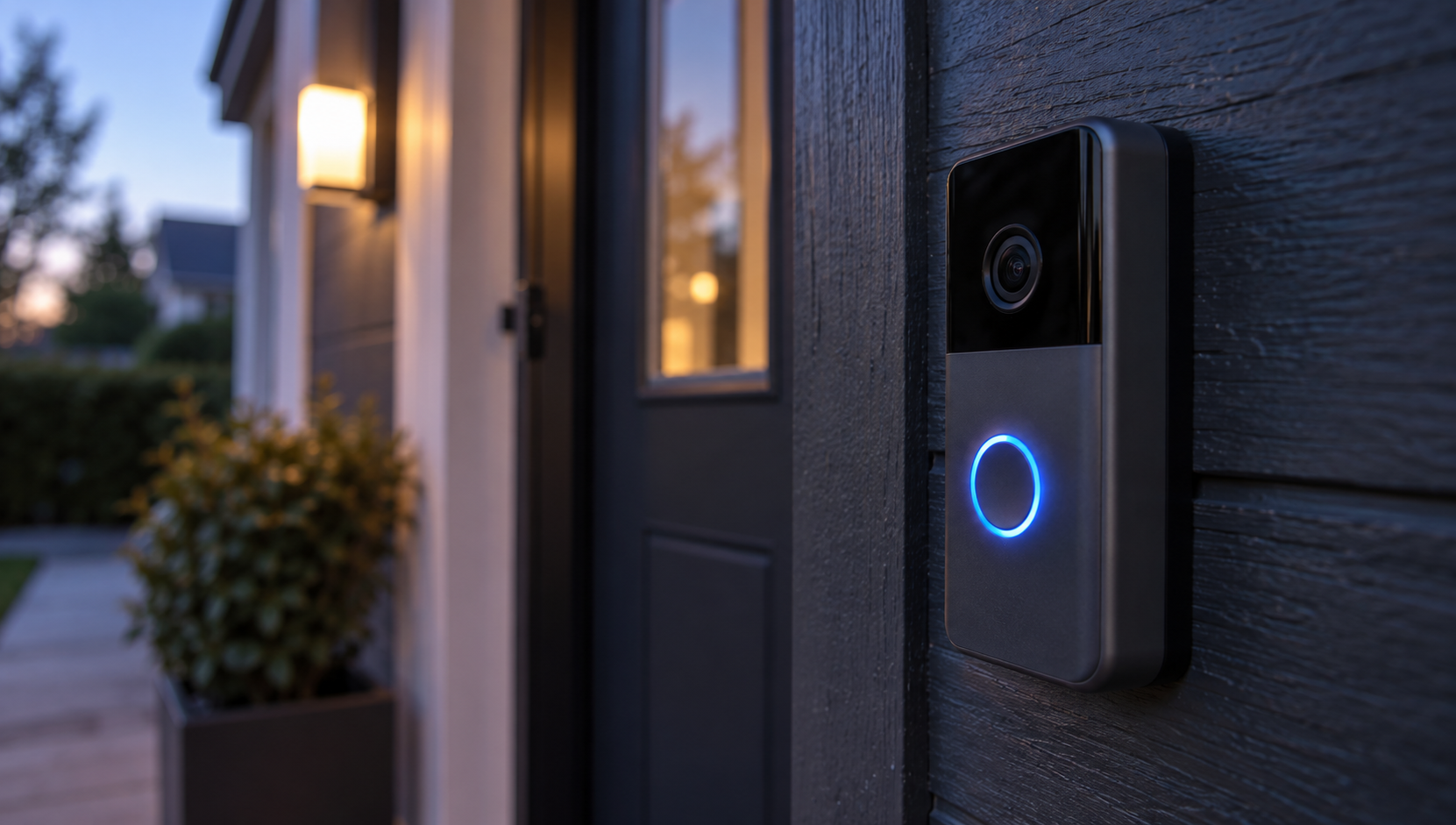
On cameras, a solid blue light means the camera is recording, and a pulsing blue means the speaker is on. On doorbells, a solid blue ring means an active call. With 24/7 Recording enabled the blue light stays on continuously, which is expected rather than a fault.
What the light tells you is activity, not storage. Whether the footage is being kept depends on the subscription, not the LED. The full light-pattern decoder covers the other patterns.
Sources
Everything above comes from Ring's plans, support articles and product pages, checked in September 2026; the plan arithmetic uses Ring's own prices and nothing else. How we research explains the approach. The plan prices, the add-on price and the two product prices were last checked on September 22, 2026.
- Ring, "Ring Protect Plans" (Solo, Multi, Pro and Virtual Security Guard prices, 24/7 add-on prices, video history up to 180 days, trial and lapse)
- Ring Help, "Understanding Ring Protect subscriptions" (subscription required to review recorded video)
- Ring Help, "24/7 Recording" (eligible devices, power, 14 days, 10 devices, what it switches off)
- Ring Help, "Adjusting your video storage time" (default storage times, 1 to 180 days, snapshots 7 to 14 days)
- Ring Help, "Adjusting the video recording length for your Ring devices" (clip lengths, 15 to 120 seconds, Auto)
- Ring Help, "Using Pre-Roll and Advanced Pre-Roll" (up to 4 and 6 seconds before the trigger)
- Ring Help, "Using Snapshot Capture in the Ring app" (stills between events, up to 14 days)
- Ring Help, "Store and process videos locally with Ring Edge and Ring Alarm Pro" (1080p devices, eero network, subscription, card encryption)
- Ring Help, "Using privacy features in the Ring app" (Privacy Zones, audio switch)
- Ring Help, "Understanding Outdoor Cam and Stick Up Cam light patterns" (solid and pulsing blue)
- Ring Help, "Ring product name changes" (July and August 2026 renames)
- Ring Help, "Understanding doorbell light patterns" (solid blue circle = active call)
- Ring Help, "Using Device Modes for Ring Alarm, Cameras, and Doorbells" (record or not per Mode)
- Ring, "Alarm Pro Base Station" (US price)
- Ring, "Ring Edge-MicroSD Card 64GB" (US price)
- Ring Help, "Using MicroSD Cards with Ring Edge for Ring Alarm Pro" (confirmed Samsung and SanDisk cards, 64 to 512 GB)