
T-Frame vs C-Frame Standing Desk: What the Letter Changes
Where the leg stands on the foot is all the letter decides. Knee room, wall clearance, the crossbar and stability belong to the frame, and the makers disagree on several. The figures for Uplift, FlexiSpot and Autonomous, and the one case where the letter decides for you: a 24 in (61 cm) deep top.
What to know
- A T-frame stands the leg in the middle of the foot; a C-frame stands it near the back, so more of the foot runs forward under you. Everything else depends on the frame.
- On Uplift's V3 both feet are 27.6 in long, and the C-frame gives a little under 3.4 in more shin room than the T-frame, at the same 355 lb rating and height range.
- On a 24 in deep top, Uplift decides for you: it lists the T-frame as not compatible, and its 23.6 in short foot exists only for the C-frame.
- The knee-height crossbar is not part of the letter. Uplift's V3 has none on either foot, its V2-Commercial T-frame has one, and FlexiSpot's T-shaped E7 has only the beam under the top.
- The makers disagree on stability, FlexiSpot even with itself. Compare the rating of the frame instead: 440 lb for FlexiSpot's C-shaped E7 Pro, 355 lb for its T-shaped E7, and 355 lb for both Uplift feet.
- Uplift gives no wall distance for either foot; the one gap it names, at least 1 in to anything beside the moving desk, applies to both.
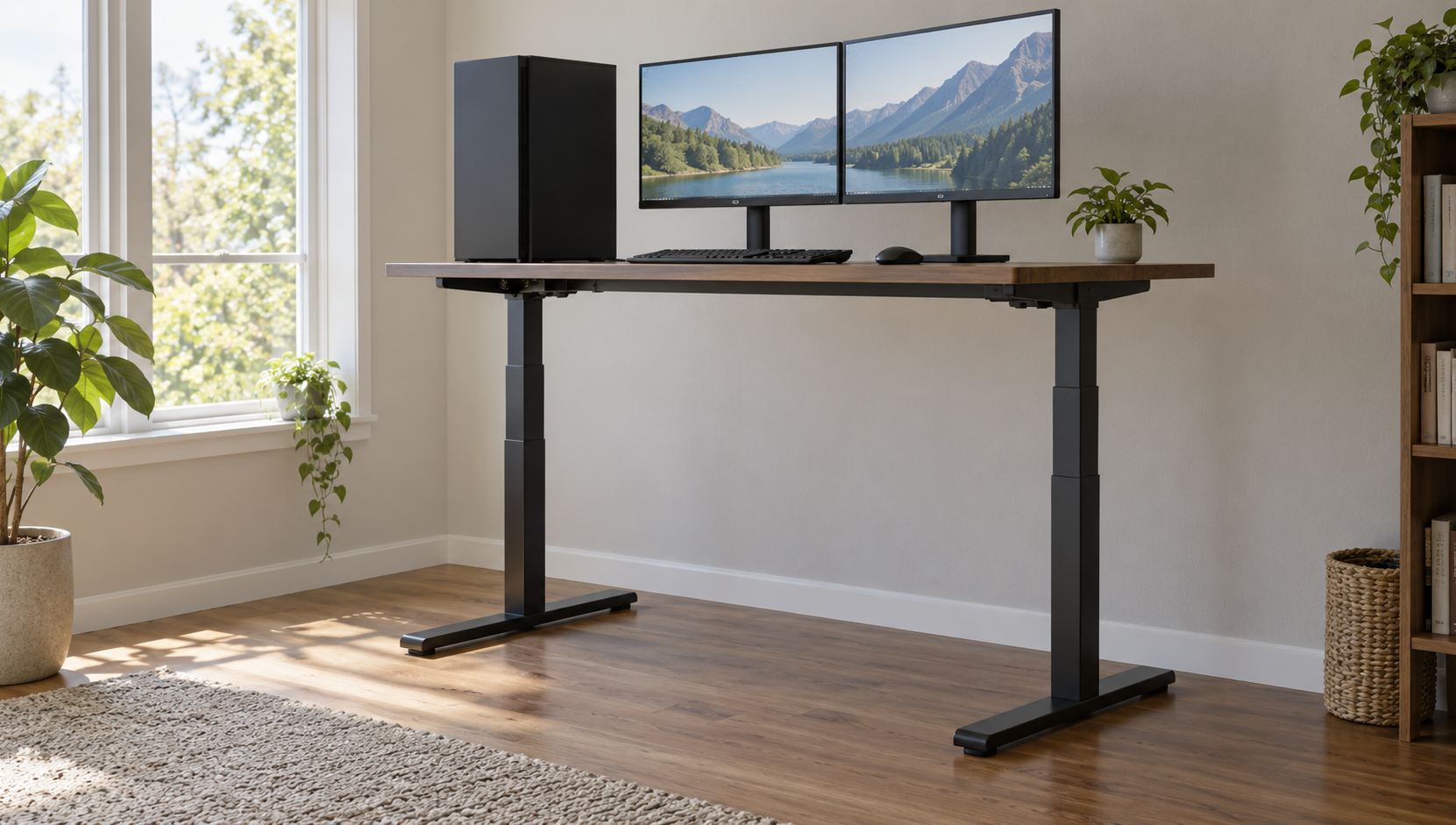
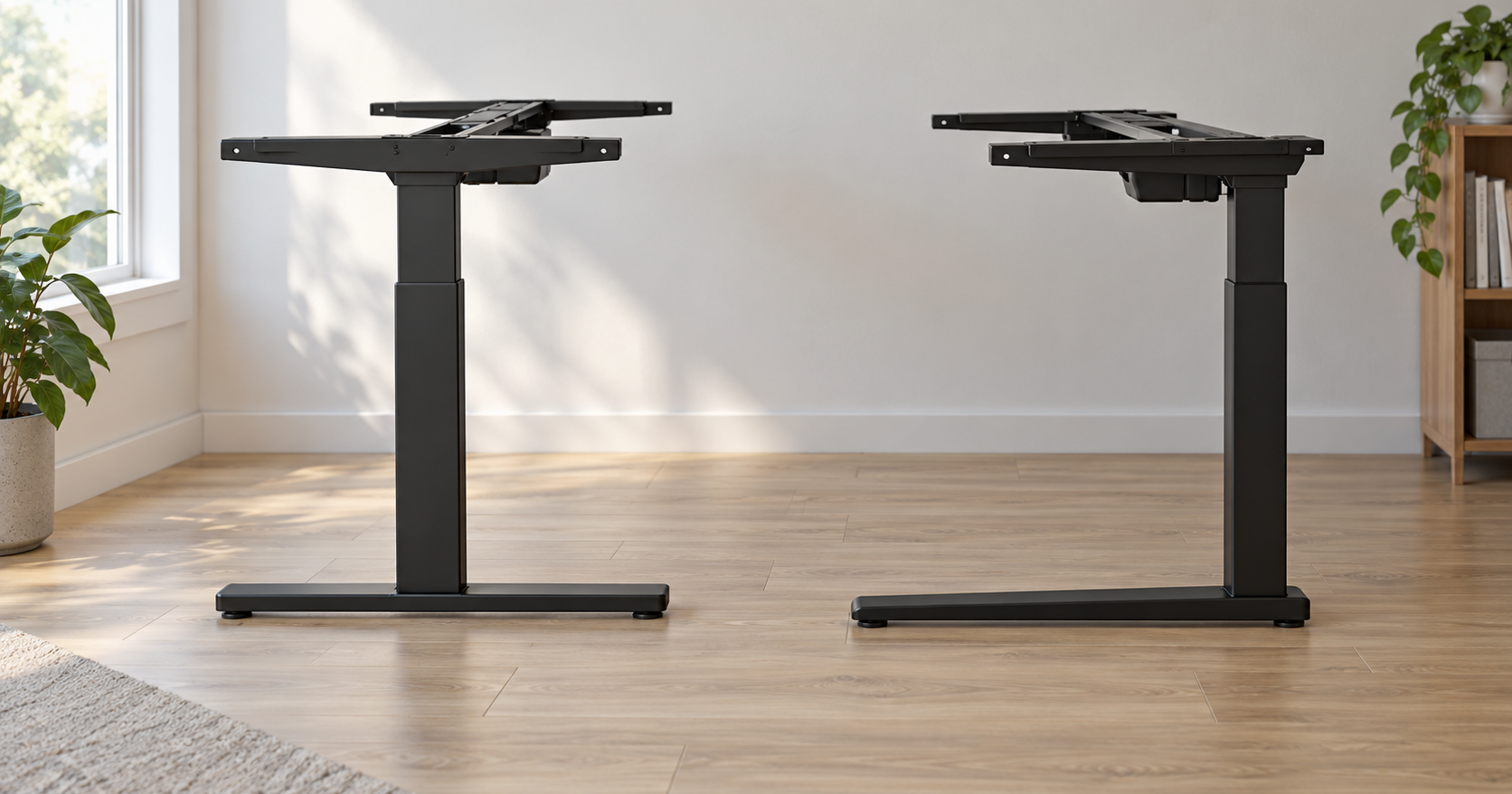
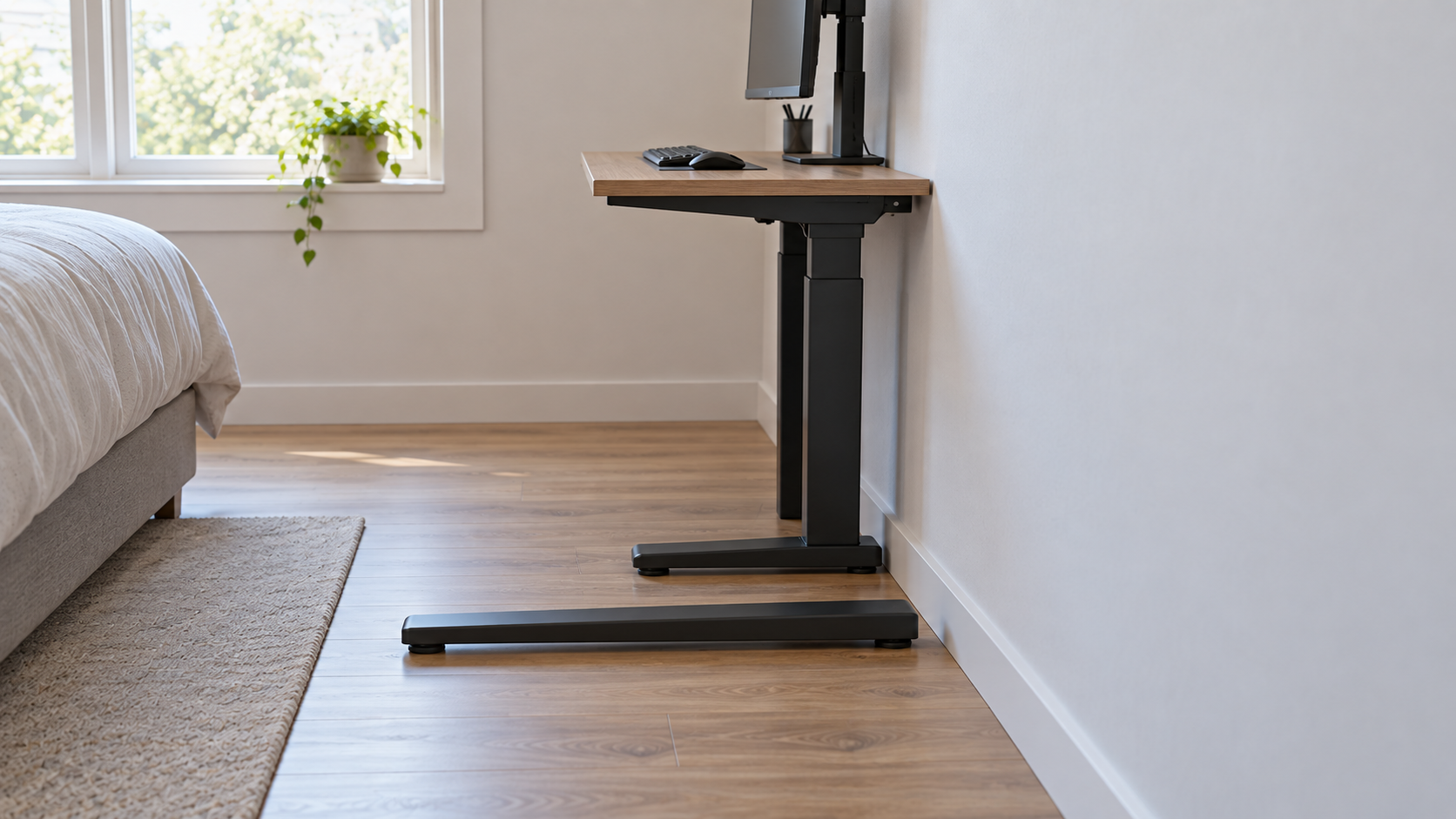
The letter says where the leg stands on the foot, and not much else. On a T-frame the column rises from the middle of the foot, so the foot sticks out equally in front and behind. On a C-frame the column rises near the back, so most of the foot runs forward, under your chair. Seen from the side, one looks like a T and the other like a C. Every other claim attached to the letters, about knee room, stability, wall clearance and the crossbar between the legs, depends on which frame you are looking at, and the makers contradict each other on several of them.
The cleanest comparison is Uplift's V3, because both feet are options on the same frame. Both feet are 27.6 in long and 3.35 in wide. On the T the column stands in the middle, 13.8 in from either end. On the C, 10.4 in of foot stays behind the back of the column, and the rest, about 17.2 in including the column itself, runs forward. Uplift lists no column depth, so the gain in shin room is somewhat under 3.4 in. The lifting capacity is the same 355 lb, the frame height the same 21.6 to 47.7 in, and neither foot has a crossbar between the legs. One difference matters in a small room: the short 23.6 in foot for a 24 in deep top exists only for the C-frame, and Uplift lists the T-frame as not compatible with 24 in tops.
This is a guide to two-leg electric frames. Four-leg desks, single-column desks and the crank frames in the small-office desk guide are built differently and are not covered. The figures are for the US models, and a desk of the same name sold elsewhere can have different feet.
Where the leg stands: the only thing the letter guarantees
Uplift sums up the choice in one sentence: the C-frame allows more leg room while the T-frame is visually symmetrical, and both are extremely stable and durable. On the C-frame, each foot goes on with the long end towards the front of the desk, and so do the side brackets that carry the top, so the top sits forward over the long part of the foot. Uplift's spec sheets give the feet as 27.6 and 23.6 in; its configurator calls the same feet 27.5 and 24 in.
The 13.8 and 17.2 in are measured from different points: on the T from the center of the column to the front of the foot, on the C from the back of the column, so the column's own depth sits inside the 17.2. That is why a chair rolls a little under 3.4 in further under an Uplift C-frame before a shin reaches the column. For someone who pulls the chair all the way in, that is the difference between a knee and a column in the way; for someone who sits back from the desk, it makes no difference.
Next to its T-shaped E7, FlexiSpot says the E7 Pro's legs are positioned toward the back of the desk, giving greater leg room and space for storage. FlexiSpot calls the Pro's frame C-shaped in one place and semi-C in another, and the Pro's assembly drawings show a short piece of foot behind each column. FlexiSpot gives no foot dimensions for either desk, so there is no number to attach to that leg room. Autonomous puts its C-shaped Desk Pro on a deeper footprint than its T-shaped Desk 2: 26.4 in against 23.6 in. So ask two things about any frame: how long the foot is, and where the leg stands on it. The letter hints only at the second.
The crossbar is a separate decision
The bar between the two legs at knee height is what stops a chair rolling under some desks. Autonomous ties it to the T-frame, but the frames show it is a choice made per frame:
- Uplift V3: no lower crossbar on either foot; Uplift says the frame offers its stability without requiring one.
- Uplift V2-Commercial (T-frame): a lower crossbar connects the legs at knee height, and Uplift lists its CPU holder as not compatible with that frame because the bar is in the way.
- FlexiSpot E7 (T-shaped) and E7 Pro: a beam under the top and nothing between the legs lower down.
- Autonomous Desk Pro (C-shaped) and Desk 2 (T-shaped): on the Desk Pro the C-shape replaces the T-shape and removes the front crossbar for knee clearance; the Desk 2 takes the T-frame approach, with a crossbar bracing the legs.
So a T-frame may or may not have a bar at your knees; none of the C-frames here has one. If the bar is what you want to avoid, check the assembly drawing of the frame you are buying.
Wall clearance and 24-inch deep desktops
Autonomous says a T-frame needs at least 6 in behind the column and that a C-frame against a wall gains roughly 6 to 8 in of floor space. Uplift gives no distance to the wall for either foot. Its two feet are the same length, so what moves between them is the column, not the foot; how far the back edge of the top ends up from the back of the foot depends on the side brackets, and Uplift gives no figure for that. The one gap Uplift names is at least 1 in between the moving desk and anything beside it; its T-frame instructions name the wall, its C-frame instructions adjacent objects.
On a 24 in deep top, Uplift makes the choice for you. It lists the T-frame as not compatible with 24 in desktops and gives no reason; our reading is the arithmetic: a 27.6 in foot is 3.6 in longer than the top and sticks out past it. The C-frame has a 23.6 in short foot, with 8.4 in behind the column and the rest running forward. There is no short T-frame foot.
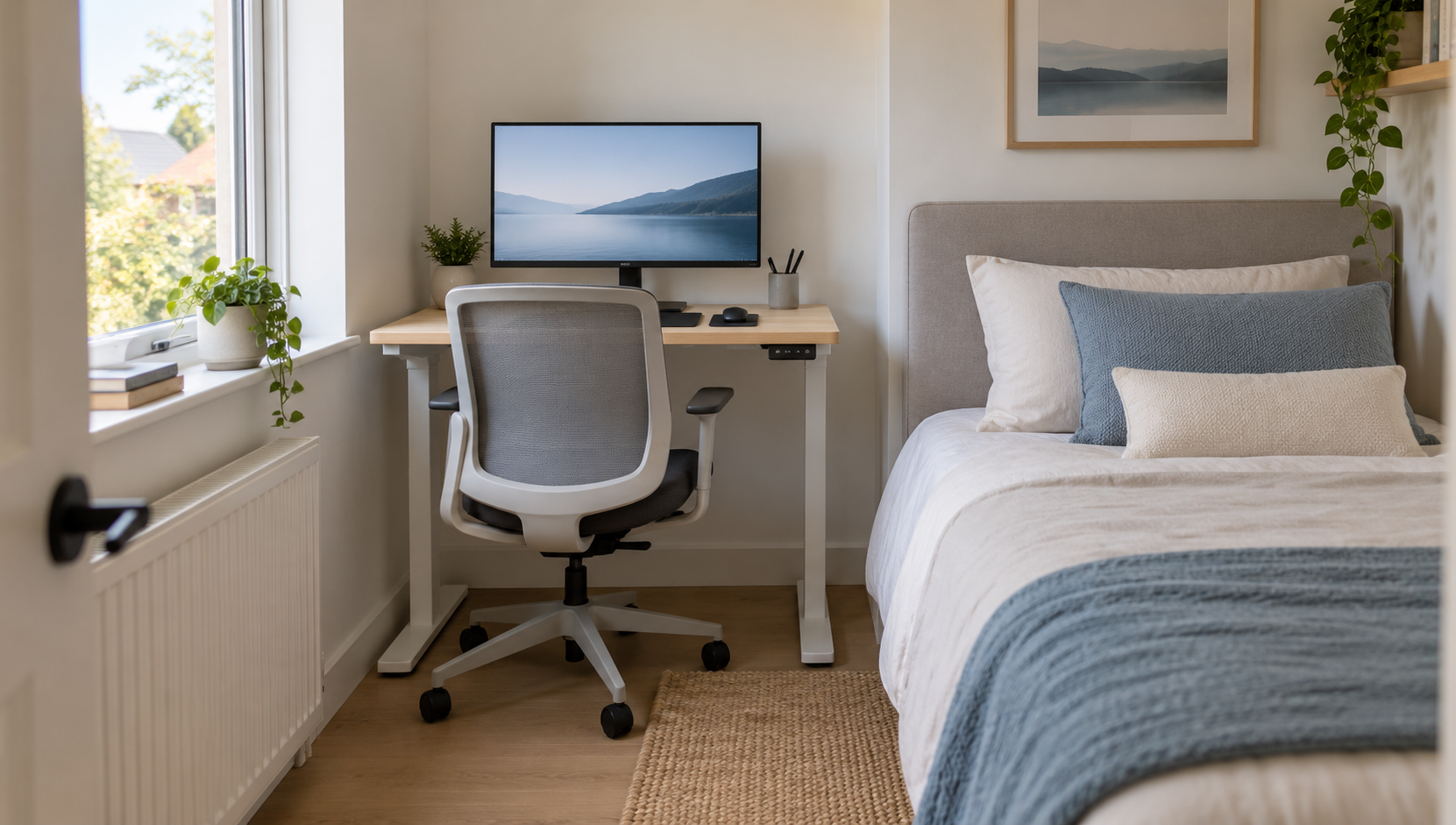
Say the desk goes against the wall of a guest room, and once the bed and the door swing are accounted for, a 30 in deep top does not fit. The top that fits is 24 in deep, and at Uplift that alone rules out the T-frame. At FlexiSpot the T-shaped frame takes the wider range: the E7 takes tops 24 to 40 in deep and the E7 Pro 24 to 30 in, so both take a 24 in top. Check the depth range the maker gives for the frame.
Stability and load belong to the frame
The makers disagree on which letter is more stable, and FlexiSpot disagrees with itself:
- FlexiSpot UK: C-frames typically have the wide base and often the higher load capacities, and T-frames may face challenges with heavy loads.
- FlexiSpot US, on the E7 Pro: the traditional C-leg design reduces the stability of the desk, a T-leg frame cuts into leg space at low heights, and the Pro's semi-C frame is positioned to do both. FlexiSpot rates the E7 Pro at 440 lb and the T-shaped E7 at 355 lb.
- Autonomous: the two are comparable at widths of 48 to 70 in; on wider tops with a heavy load, a T-frame's symmetric base resists side-to-side sway slightly better.
- Uplift: both feet are rated at 355 lb, and Uplift calls both extremely stable.
Our reading is that each of them is describing its own frames, not the letters. FlexiSpot's E7 Pro and E7 differ in more than the foot, and the 440 lb belongs to the Pro. Uplift's two feet share the columns and motors, and the rating stays the same with either foot. The number that applies to a desk is the one its maker gives for that frame, and what the rating includes varies by maker as well.
Height range: unchanged at Uplift, different elsewhere
At Uplift the foot changes nothing about height. Where the T and C models are different frames, the height ranges differ too:
- Uplift V3, either foot: 21.6 to 47.7 in for the frame, 22.6 to 48.7 in with a top.
- FlexiSpot E7 (T-shaped): 22.8 to 48.4 in without a top.
- FlexiSpot E7 Pro (C-shaped): 25 to 50.6 in, so the C model starts 2.2 in higher.
- Autonomous Desk 2 (T-shaped): 28.3 to 47.5 in as a two-stage frame and 26.2 to 52 in as a three-stage one, while the spec table on the same page gives 27.2 to 46.5 in.
- Autonomous Desk Pro (C-shaped): 29.5 to 48.5 in.
The minimum is the number that decides whether a desk works for a shorter person seated. It comes from the frame model, so check it separately from the foot.
What we would choose
For a two-leg frame where both feet are on offer, as at Uplift, we would take the C-frame, and for the reason Uplift gives: more room under the front of the desk, at no cost in rating or height. On a 24 in deep top, Uplift makes that choice for you anyway.
Where the T and C models are different frames, as at FlexiSpot and Autonomous, we would ignore the letter and compare four things: the minimum height, the rating, the depth range of the top the frame accepts, and whether there is a bar between the legs. The letter is the last thing on the list, because on those makers' own figures it predicts none of the other four.
Sources
Everything above comes from the makers' own product pages, spec sheets, manuals, assembly instructions and blogs listed below, accessed in September 2026. Figures are in the makers' units, with our conversions beside them. How we research explains the approach.
Uplift Desk, "V3 2-Leg C-Frame Specifications" (foot 27.6 in long and 3.35 in wide, 10.4 in behind the column; short 23.6 in foot with 8.4 in behind the column for 24 in deep desks; 355 lb; 21.6 to 47.7 in)
Uplift Desk, "V3 2-Leg T-Frame Specifications" (foot 27.6 in long, column 13.8 in from the end; 355 lb; 21.6 to 47.7 in)
Uplift Desk, "UPLIFT V3 2-Leg Standing Desk Frame" (C-frame allows more leg room, T-frame visually symmetrical, both extremely stable; T-frame not compatible with 24 in desktops; stability without requiring a lower crossbar; 22.6 to 48.7 in with top; configurator feet 27.5 and 24 in; V2-Commercial lower crossbar at knee height and CPU holder incompatibility)
Uplift Desk, "V3 C-Frame Standing Desk Frame Assembly Instructions" (foot and side brackets with the long end towards the front; at least 1 in between the moving desk and adjacent objects)
Uplift Desk, "V3 T-Frame Standing Desk Frame Assembly Instructions" (horizontal gap of greater than 1 in from desk to wall and other furniture)
FlexiSpot, "Premium Standing Desk (E7)" (T-shaped frame, 355 lb, 22.8 to 48.4 in, tops 24 to 40 in deep; E7 Pro C-shaped frame, 440 lb, 25 to 50.6 in, tops 24 to 30 in deep)
FlexiSpot, "Premium Standing Desk E7 Pro" (legs positioned toward the back of the desk, greater leg room and space for storage; semi-C leg structure; traditional C-leg reduces stability, T-leg frame affects leg space)
FlexiSpot, "E7 user manual, item E7-V3-US" (assembly drawings: beam under the top, no lower crossbar)
FlexiSpot, "E7 Pro user manual, item E7-Pro-V2" (assembly drawings: column near the rear of the foot, no lower crossbar)
FlexiSpot UK, "C-Frame vs. T-Frame Standing Desks" (C-frames described as typically having a wide base and often higher load capacities, T-frames as possibly facing challenges with heavy loads)
Autonomous, "Autonomous Desk 2" (frame footprint 39.8 to 59 in by 23.6 in; 28.3 to 47.5 in two-stage, 26.2 to 52 in three-stage; spec table 27.2 to 46.5 in)
Autonomous, "Autonomous Desk Pro" (C-frame, 330 lb; frame footprint 40.4 to 70.9 in by 26.4 in; 29.5 to 48.5 in; C-shape replaces the T-shape and removes the front crossbar)
Autonomous, "C-Frame vs. T-Frame Standing Desks" (T-frame said to need 6 in or more behind the column, C-frame said to gain 6 to 8 in against a wall; stability comparable at 48 to 70 in, T slightly better above; Desk 2 takes the T-frame approach with a crossbar)