
Standing Desk Not Going Up? What to Check, by Symptom
Four ways a standing desk misbehaves when you press up: down only, nothing at all, a start and a stop, or one leg higher than the other. Each has its own fix. The checks for Uplift, FlexiSpot, Vari and Jarvis frames, from the free ones to the cable swap, and the two signs to call the maker.
What to know
- Goes down but not up: clear the space around the desk, make sure the control box sits flush, reset, then power-cycle. On a FlexiSpot E7 Mini the listed fix is the reset.
- A loose or tilted control box, a cord right under it, or a cord that pulls tight as the desk rises can all trip the anti-collision sensor and stop the lift.
- Does nothing at all: test the outlet, check the keypad lock, reseat every cable, then reset. Uplift says 70 percent of the control boxes returned to it were not faulty.
- Rises, then stops: something is in the way, or the motor has reached its duty cycle of about 2 minutes of movement in 20. For H01 on Uplift and Vari desks, the fix is to wait.
- Legs at different heights, more than 1.5 in apart on an Uplift or any tilt on a Jarvis: stop troubleshooting and contact the maker.
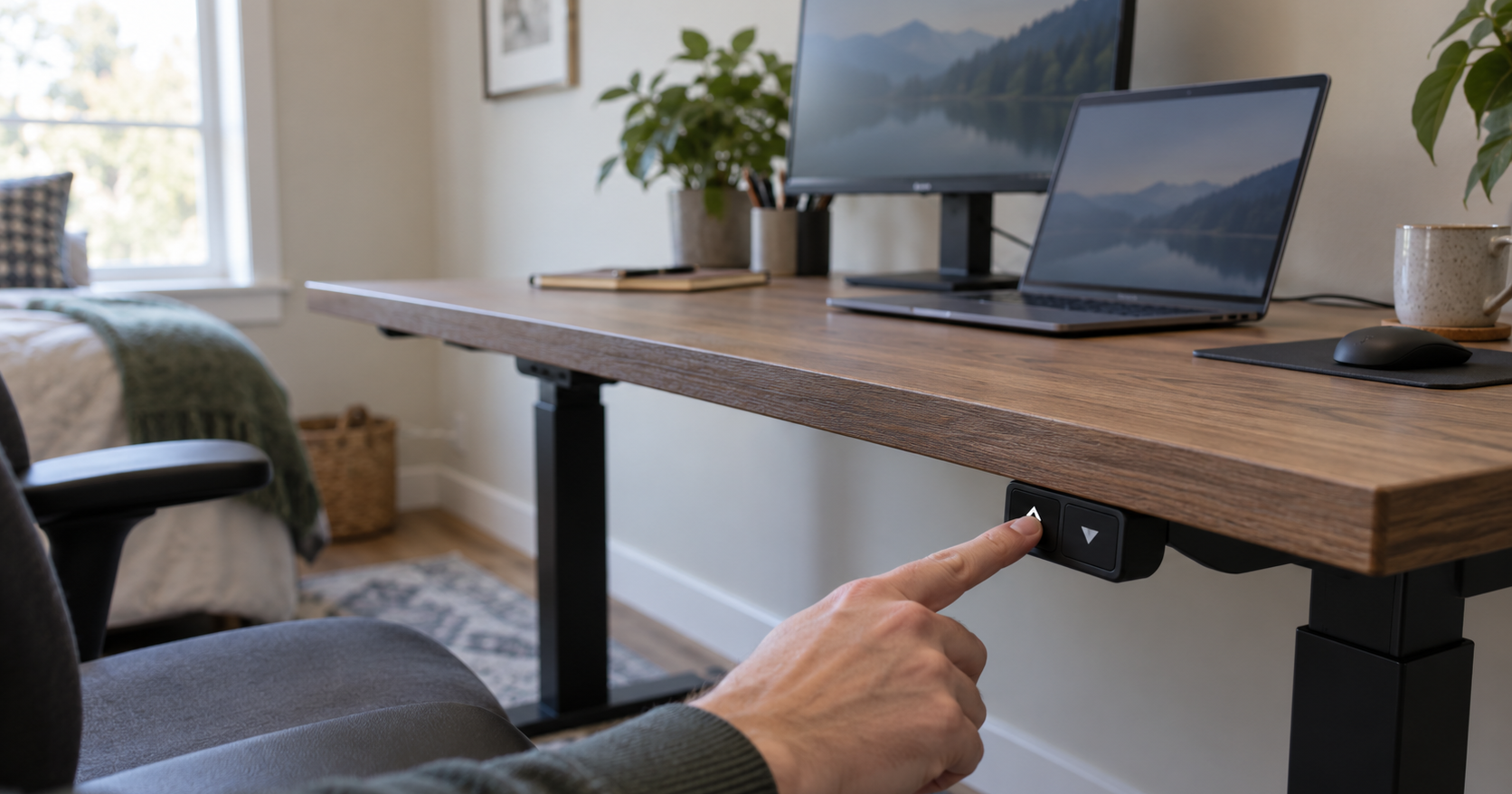
Press up and watch what the desk does, because each response points to a different cause. Down but not up: clear the space, check that the control box sits flush, reset, then cut the power. Nothing at all: power, the keypad lock and the cables come first. Rises and then stops or backs down: the desk has hit something, thinks it has, or has run for too long. Legs at different heights: stop and contact the maker.
These steps cover the Uplift V2 frame, the FlexiSpot E7 Mini, Vari's electric desks and the Fully Jarvis. Another model from the same brand can have a different control box, so if yours is not on that list, check the sheet that came with it. The reset itself, hold by hold for each brand, is in the ASR guide.
Desk goes down but not up
Uplift lists four steps for a desk that only goes down, in this order:
- Clear the space. Move anything close to the desk above, below or beside it, including a shelf over the desktop, not only the chair underneath.
- Check the control box. It has to sit firmly and flush against the frame or the desktop. A loose or tilted box can falsely trigger the gyroscopic sensor of the anti-collision system, and the desk then refuses to rise. A box left hanging by one screw after a move fits that description.
- Reset. Run the reset for your model, hold by hold, as described in the ASR guide. On a FlexiSpot E7 Mini, the reset is the listed fix for a desk that only goes one way or stops short of its full range.
- Power cycle. If the reset does not take: plug something else into the outlet to confirm it has power (if not, check the breaker), push every cable in firmly, unplug the desk, hold the down button for 30 seconds to discharge the control box, plug it back in and reset again.
Two more checks take a minute each. We would run them after the four above:
- Weight. On a FlexiSpot E7 Mini, slow lifting or a desktop that slips on the way up points to the load: the E7 Mini is rated for 352 lb, "desktop not included", and we would count the top in the total. Vari desks show overload as code E03 (E01 on the Essential), with the instruction to remove items and reset. If the desk has picked up a second monitor on an arm, a PC and a printer since it was bought, add them up and check the total against your frame's own rating.
- A height limit. If the desk always stops at the same height short of the top, look for a set maximum before anything mechanical. On Uplift Advanced Keypads (not the Advanced Paddle Keypad), clear it by tapping "M" once until "S-" shows, then holding "M" until the display reads "555".
If it still will not rise after the power cycle, the cable swap in the last section is the next step.
Desk does nothing at all
Work through these in order: the first three cost nothing, and each later check assumes the earlier ones passed.
- Power. Plug something else into the outlet to test it, then push every cable in firmly.
- The keypad lock. A desk that ignores every press may be locked. On Uplift Advanced Keypads (not the Advanced Paddle Keypad), holding "M" until "LOC" shows locks it, and holding "M" again until the height shows unlocks it; a power outage also unlocks it. On a FlexiSpot E7 Mini the child lock is "M" held for about 5 seconds, and a blue light shows while it is on.
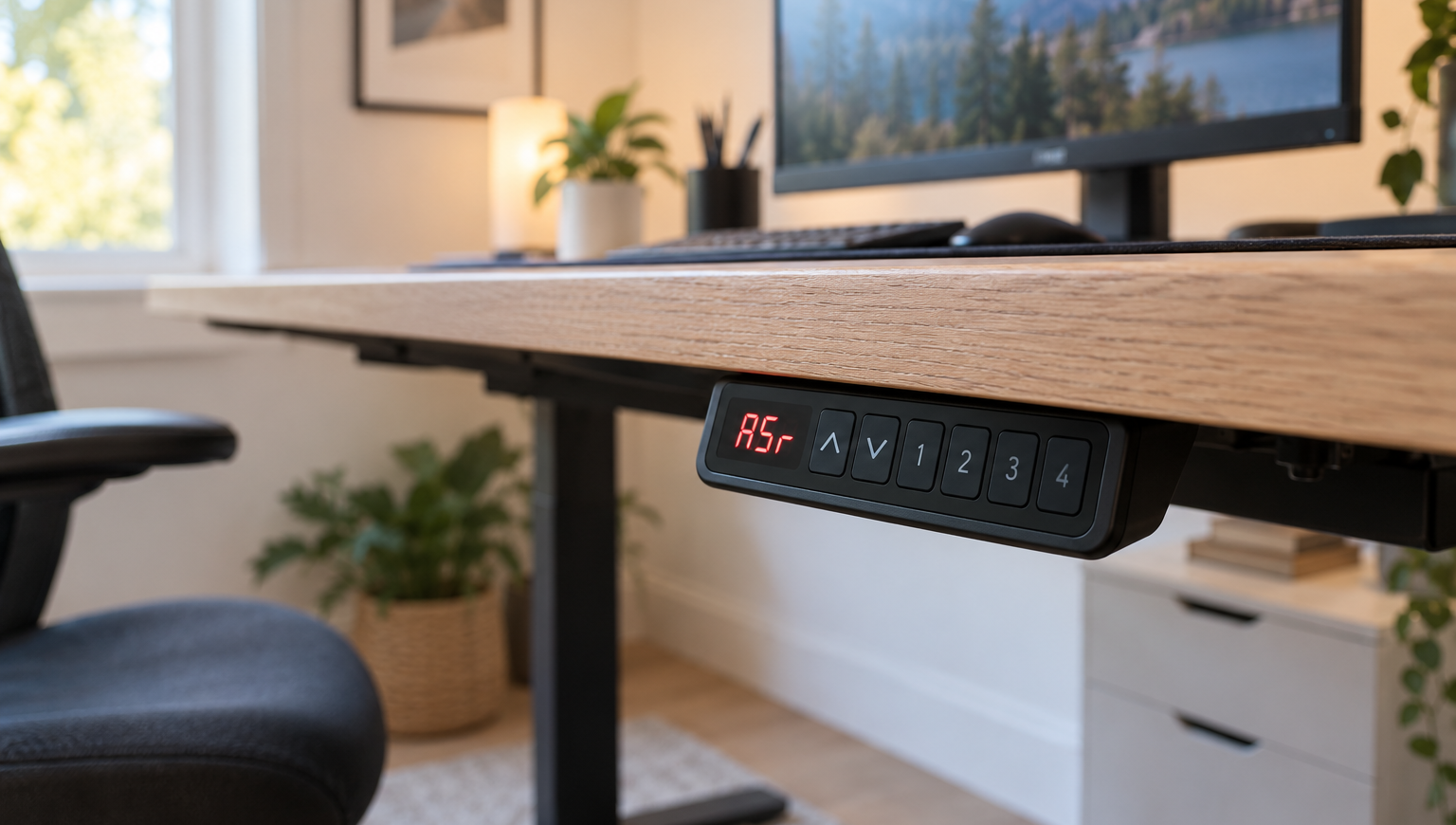
- A reset prompt on the display. "ASr", "RST" or "RESET" on the display means the control box is waiting for a reset. The steps for each brand are in the ASR guide.
- Power cycle and reseat. On an Uplift, unplug the desk, hold the down button for 30 seconds, plug it back in and reset. On a Jarvis, clear any obstruction and check that the control box is firmly attached and the right leg cables are in use, then reseat everything before the handset reset: unplug the desk, unplug every cable under it including both ends of the leg cables, reconnect all but the power cable, plug in and reset.
- The control box itself. Only now is the box itself a suspect. Uplift says 70 percent of the control boxes returned to it for replacement were not defective and would have been fixed by the reset, so run the reset and the power cycle before asking for a new one.
Desk rises, then stops or reverses
A desk that starts up and quits partway has met resistance, thinks it has, or has run past its duty cycle.
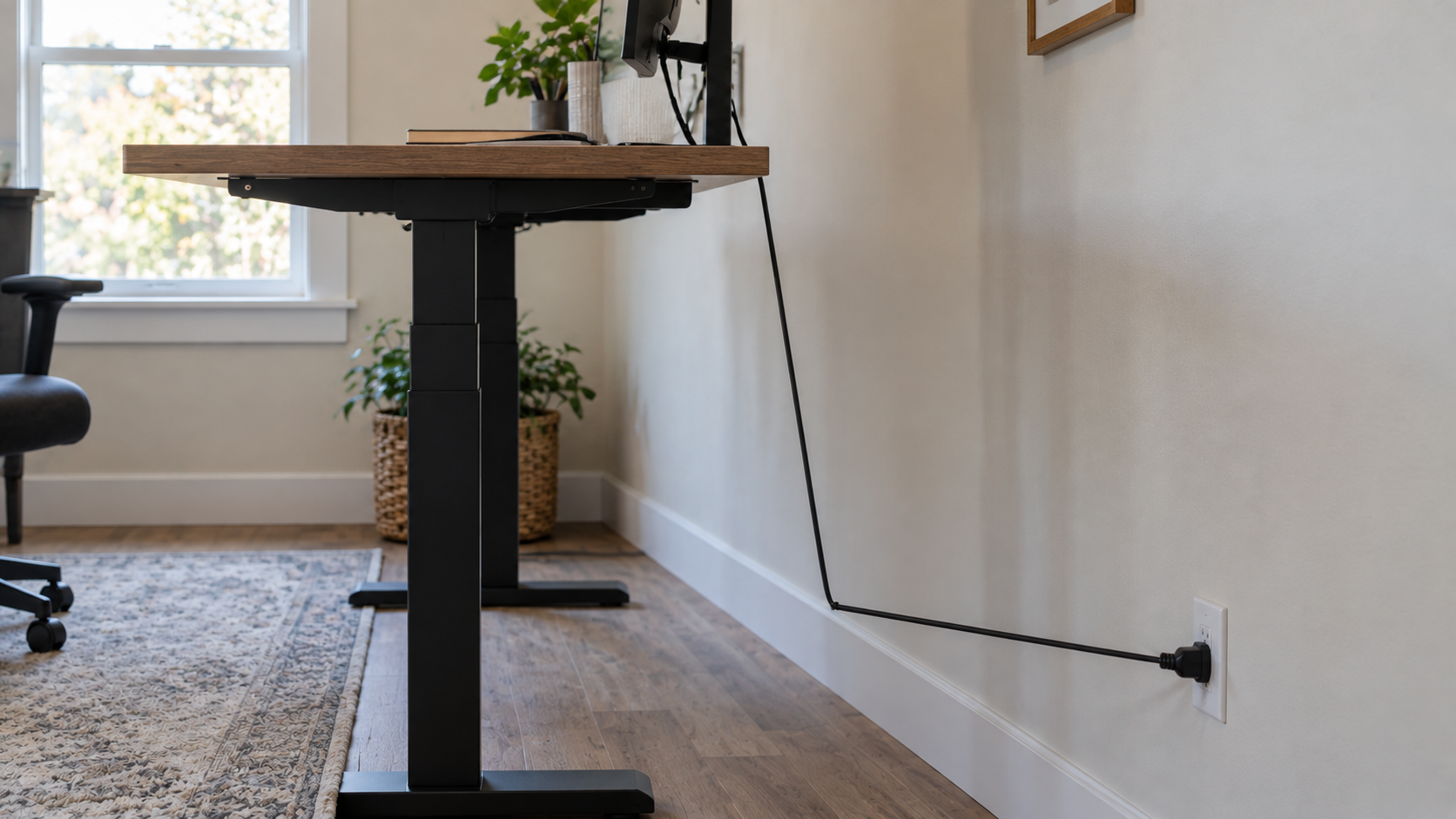
Anti-collision. Look for four things: something above, below or beside the desk; a control box that is not flush; a cable or cord right under the control box; and a cord that pulls tight as the desk rises. To find the last one, raise the desk while watching every cord. A monitor cable, a power strip cord or an Ethernet cable cut to sitting height is what this test catches. Uplift names all four as causes, the tight cord as a likely one, and adds that a control box that has come loose makes the desk start and stop. On a FlexiSpot E7 Mini the collision response is a reversal, so a desk that seems to go the wrong way has bumped into something below it, such as a hanging cable.
If nothing is in the way and the desk still stops, turn the sensitivity down. Uplift Advanced Keypads have three levels, 10.5 (most sensitive) to 10.7 (least), set from the flashing "ASr" display with the up button. The FlexiSpot E7 Mini has four, "A-0" (off) to "A-3" (high), switched by holding up and down together for 5 seconds. FlexiSpot adds that its rebound starts only after contact has occurred and may be less likely to react to soft or flexible objects.
Duty cycle. A desk run up and down repeatedly, while cabling or while trying to fix something else, stops on purpose. Uplift allows 2 minutes of movement in any 20 minutes and shows H01 when that is exceeded. Vari shows H01 after more than 2 minutes of continuous adjustment and asks for 20 minutes of rest. The FlexiSpot E7 Mini allows 2 minutes on and 18 off, idling with the power connected, and no more than 45 seconds per lift at full load. On all three, the fix is to wait.
One side higher, or a code that will not clear
Stop troubleshooting and contact the maker if the legs end up at different heights or an error code survives the reset. Uplift draws the line at a difference of more than 1.5 in between the legs; Fully says to stop the moment a Jarvis becomes lopsided. FlexiSpot and Vari say nothing about uneven legs, and on those desks we would treat the same two signs as the point to call.
Before calling Uplift about a code in the E07 to E12 range or about uneven legs, run its cable swap. It shows which port is at fault and gives support two of the three things its form asks for: the code you started with and whether it changed (the third is the steps you have tried). Reset first if you have not, then:
- Unplug the desk and hold the down button for 30 seconds to discharge the control box.
- Unplug the keypad cable and both leg cables from the control box.
- Plug each leg cable into the other's port: M1 into M2, M2 into M1.
- Reconnect the rest, plug the desk in and reset.
If the code moves between E01 and E07, the problem is on the M1 port; between E02 and E08, on M2. Uplift adds that the problem is often solved by disconnecting the cables and reconnecting them securely. Vari's codes point the same way without the swap: E01 and E02 are the leg cables, E07 and E08 the M1 and M2 ports, and the instruction for each is to disconnect, reconnect and reset, then contact Vari if the code stays.
Sources
Everything above comes from the makers' own instructions and support pages below, accessed in September 2026. How we research explains the approach.
Uplift Desk, "Standing desk reset, stability, & troubleshooting" (entries for only going down, moves but stops, H01, E01 to E12 and the cable-swap diagnosis, 70 percent figure)
Uplift Desk, "V2 2-Leg Standing Desk F500 (C-Frame & T-Frame) instructions" (keypad lock, height limits, anti-collision sensitivity, Starting & Stopping, duty cycle, 1.5-inch leg difference)
FlexiSpot, "E7 Mini user manual" (troubleshooting table for the duty cycle, the 352 lb load and the reset; keypad guide for the child lock, anti-collision levels and the 45-second touch time)
Vari, "Electric Standing Desk Control Panel Codes" (E01 to E08, E03 overload, H01, RST)
Fully (Herman Miller), "My Jarvis is stuck. How do I reset it?" (obstructions and control box, cable reseat, lopsided desk)