
Dual Monitor Arm for a Home Office: Check the Minimum Weight and the Desk
A light monitor can be too light for a gas spring arm, and a flat-pack top has its own limit for a clamp's concentrated load. Ergotron, HUANUO and VIVO arms against Dell panel weights and IKEA tabletop limits, with a pick for a solid desk, a light panel, an ultrawide and a flat-pack top.
What to know
- A gas spring arm has a minimum weight as well as a maximum: below it the monitor can drift upward. Ergotron's LX Dual starts at 7 lb per monitor, HUANUO's HNDS6 at 4.4 lb. VIVO gives no minimum for its mechanical STAND-V002.
- Check the panel weight without its stand, from the monitor's physical-characteristics table. Dell's 22-inch P2222H, at 6.22 lb, is under the Ergotron floor; the 24-inch P2422H clears it by about 0.2 kg (under half a pound).
- IKEA's LINNMON tabletop is rated for 110 lb spread out and 33 lb concentrated on a small surface. A desk clamp is a concentrated load on a small surface, and the arm makers do not mention the desk's limit.
- Two 27-inch monitors are 1,219.8 mm (just over 48 inches) wide. IKEA's 100 cm (39 3/8-inch) LINNMON top and its 120 cm (47 1/4-inch) LAGKAPTEN top are both narrower. An arm lets the screens overhang; it does not make the desk wider.
- On a fixed stand the monitor with the webcam sits wherever the stand puts it. On an arm it goes to eye level and straight ahead, which decides which screen your face points at during a call.
- The right arm depends on the desk. Before shopping, write down the panel weight without its stand and the desk's concentrated-load limit; the arm makers give the rest.
The number printed largest on a dual monitor arm is the maximum it will hold, and it is the least likely of the arm's figures to matter. The two that decide the purchase are the minimum weight the arm needs before it will hold a position at all, and the load the desk underneath is rated to carry. The arm maker gives the first, the desk maker the second, and your monitor's user guide has the panel weight to compare them with.
The picks cover two monitors of up to 27 inches on a dual arm, one ultrawide on a single arm, and a stacking arm for a narrow desk. For two 24- or 27-inch monitors on a solid desk, look at the Ergotron LX Dual or the HUANUO HNDS6. For a light panel, the HNDS6 has the lower minimum; the mechanical VIVO STAND-V002 gives no minimum at all, so confirm it with VIVO for your monitor rather than assuming it has none. For a flat-pack desk, the top's own load limit comes first.
Every arm here stops at 25 lb per monitor and, apart from the stacking arm's tall pole, at 34 inches. Larger or heavier panels, including curved ultrawides past that size, need a heavier class of arm that this guide does not cover. Wall mounts carry the load a different way, a monitor without a VESA pattern on its back needs an adapter plate, and none of the desk limits here covers a glass desk.
What a gas spring arm needs from the monitor
A gas spring arm holds a screen wherever you leave it by balancing the panel's weight against a spring. That only works inside a band. Below the band the spring wins and the monitor drifts upward; above it the monitor wins and sags. So a gas spring arm has a floor as well as a ceiling, and the floor is the number to check first.
Ergotron's LX Dual Side-by-Side Arm holds 7 to 20 lb per monitor, 40 lb combined. HUANUO's HNDS6, also a gas spring design, takes 4.4 to 19.8 lb per arm. VIVO's STAND-V002 is a mechanical pole arm with no gas spring, rated up to 22 lb per monitor. VIVO gives no minimum load for it.
The weight a monitor is sold on can include the stand, and the stand is the part you are about to remove. The figure that matters is the panel on its own, in the physical-characteristics table of the user guide, which is easy to skip before buying. Among Dell's P-series office monitors, the 22-inch P2222H weighs 6.22 lb without the stand, the 24-inch P2422H 7.47 lb, and the 27-inch P2722H 9.66 lb. Those are one Dell line; for your own screen, the figure that counts is in its own table.
The 22-inch panel is below the LX's 7 lb minimum. The 24-inch clears it by under half a pound (about 0.2 kg). Both are within HUANUO's range. VIVO gives only a maximum load, so that figure alone does not establish its lower limit. The more expensive arm is not necessarily the better fit for a light monitor.
What the desk underneath is rated for
The arm makers give what the arm will hold and the desk maker what the desk will take. Neither mentions the other's figure, so comparing the two is up to you.
IKEA's LINNMON tabletop, the 100 by 60 cm one, is rated in the US for a maximum evenly distributed weight of 110 lb, with a second limit that is easy to skim past: "Do not place concentrated weight exceeding 33 lbs. on a small surface on the desk." A desk clamp is, by definition, a concentrated weight on a small surface. Two 27-inch panels alone come to 19.3 lb before the arm's own weight goes on top, and the whole of it lands on one clamp a few inches (several centimeters) wide.
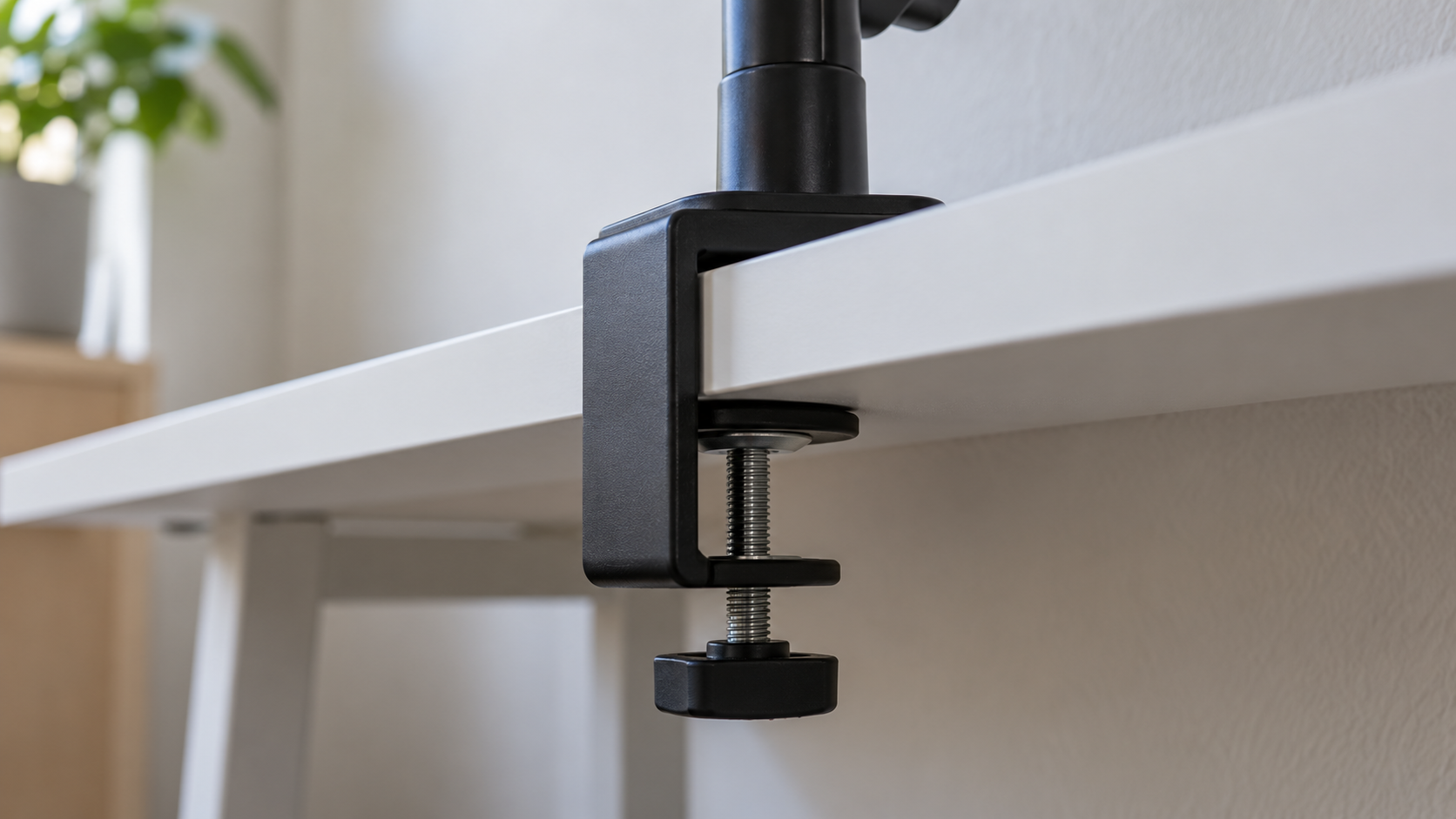
Whether a clamp will damage a particular top is a question only the tabletop maker can answer, and IKEA has answered it with that limit. None of the three arm makers mention it. On a flat-pack top, the desk's limit is the first thing to check, before any arm.
A grommet mount changes the geometry but needs a hole to exist. A clamp needs a rear edge with clearance behind it and a top that will bear the load. VIVO's clamp takes a desk up to 3.25 inches thick. Ergotron lists clamp and grommet kits without a thickness range, so measure your own desk before ordering.
How wide two 27-inch monitors are
On a small desk this is the number to check first, and it needs only a tape measure. The 27-inch P2722H is 24.01 inches wide, so two of them side by side are 1,219.8 mm, a shade over 48 inches. IKEA's 100 cm LINNMON top is 39 3/8 inches; the next size up on IKEA's US site, the 120 cm LAGKAPTEN top, is 47 1/4, with the same 110 lb and 33 lb limits. Both are narrower than a pair of 27-inch monitors. For your own screens, the desk width calculator adds up the monitors' outside widths, the gap between them and the side margins you want.
An arm does not shrink the screens. It lets them overhang the desk edges and float above the surface, which is useful, but the arm's pole still sits at the back edge and its reach, 25 inches on the LX, still needs somewhere to go. A desk pushed against a wall gives the arm nowhere to fold. The same applies to a bias light behind the monitor: it needs a gap between the panel and the wall, and an arm that cannot fold does not leave one.
When the desk is the constraint, the other axis is up. A stacking arm puts one monitor above the other on a single pole, so the pair takes the width of one screen instead of two. Ergotron's LX Dual Stacking Arm carries the same 7 to 20 lb band per monitor, takes screens up to 24 inches on the standard 13-inch pole and up to 40 inches on the 23-inch tall pole, with the same 25 inches of reach. The trade: the upper screen sits well above eye level, which is the wrong place for the one with the webcam on it. The other route is two single arms, which gives each screen its own reach and its own clamp, and puts two concentrated loads on the desk edge instead of one.
What an arm changes on a video call
OSHA's workstation guidance, the US workplace safety agency's eTool, puts the top of the monitor at or slightly below eye level and the screen 20 to 40 inches (about 50 to 100 cm) from the eye. On a fixed stand the screen sits at whatever height the stand gives it, which may or may not match your eye level. OSHA's figures are a US workstation layout guideline, not a claim about what any screen height does to anyone; persistent discomfort at a desk is something to raise with a professional rather than solve with a mounting bracket.
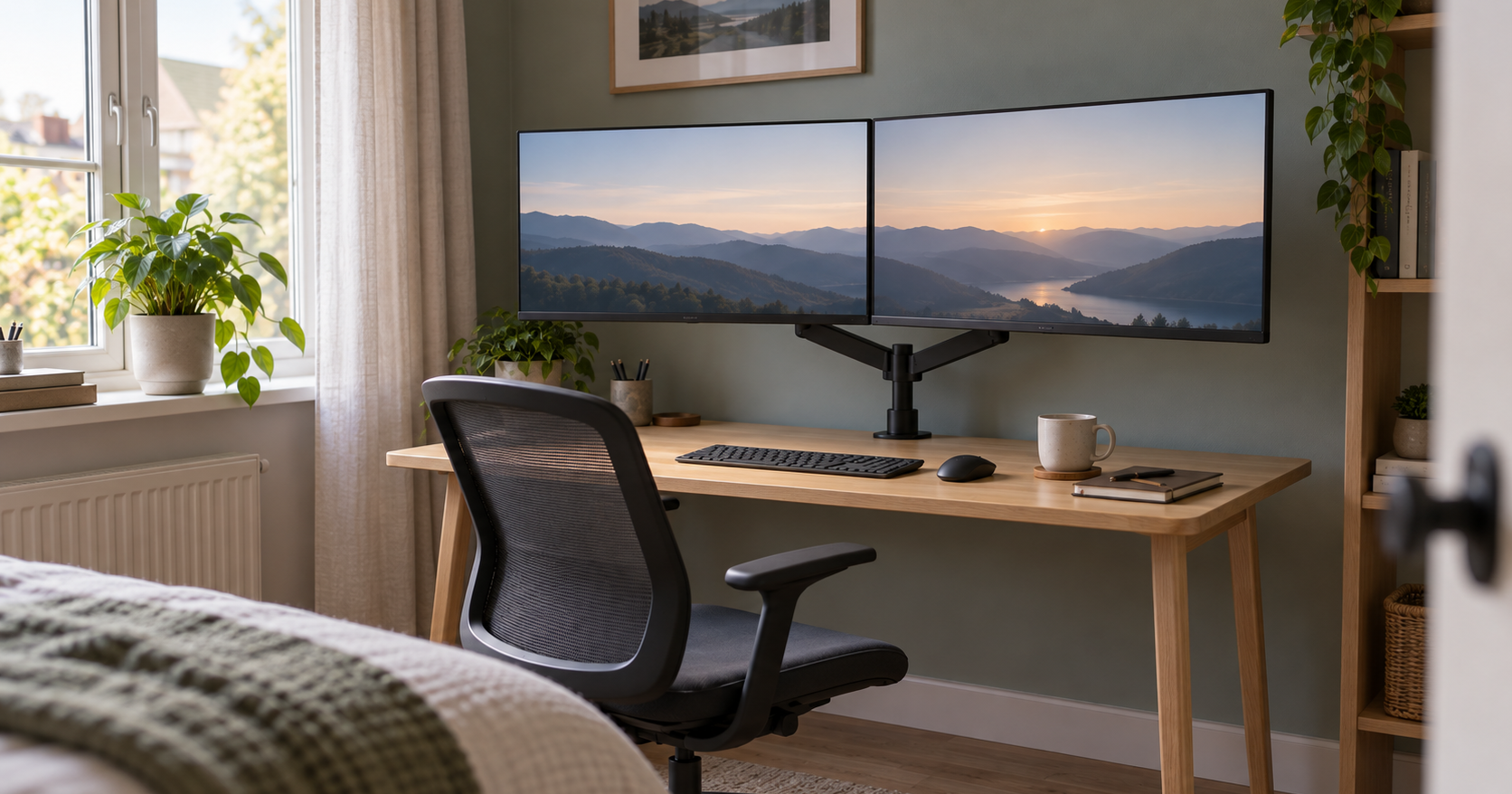
The monitor with the webcam on it is the one that has to be at eye level, at a distance where the framing works, and it is the one a fixed stand cannot raise. With two screens on an arm the camera monitor goes to eye height and straight ahead, and the second screen angles off to the side, so you are looking at the camera during the call rather than at a notification on the other screen. Video calls may not be why you are buying an arm, but if you spend a large part of the day in them, the arm decides which screen your face is pointed at.
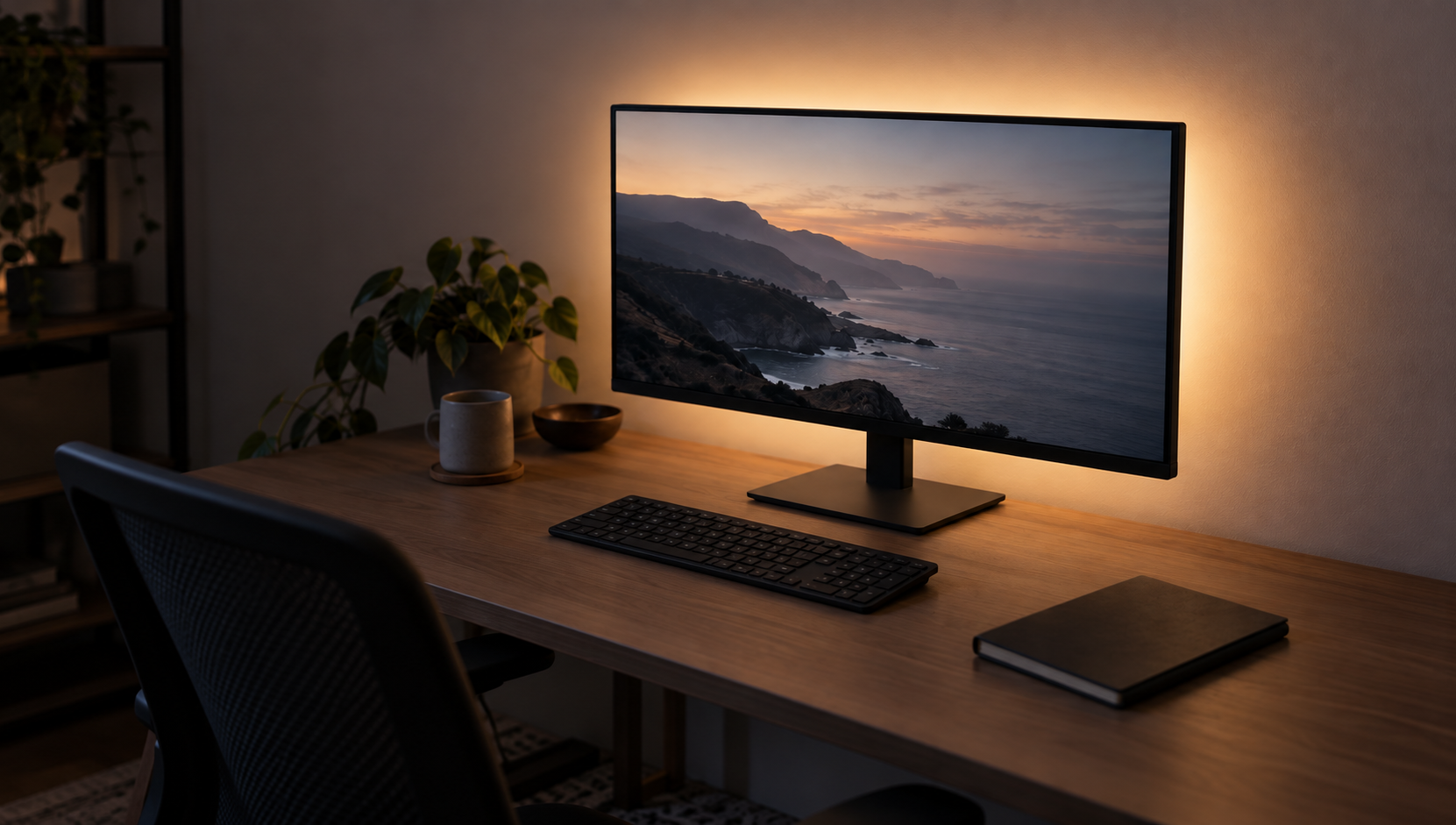
One physical side effect: pulling the panel forward on an arm opens up the gap behind it, and that gap is exactly what a bias light needs to work. A monitor on a stand, pushed to the wall, has no such gap.
What we would pick, by desk
Each of these is the right answer to a different desk. Prices are the makers' listed US prices in USD from their own stores, September 2026; warranty terms are those on the US product sheet or store page. Prices will move, and other countries have their own stores, prices and warranty terms.
- Two 24- or 27-inch monitors on a solid desk. A gas spring dual, after checking the floor against your panel weight. The Ergotron LX Dual is the specialist option: 7 to 20 lb per monitor, 27-inch typical, 13 inches of lift, 25 inches of reach, and a ten-year warranty. The HUANUO HNDS6 has the lower floor at 4.4 lb, a 13 to 32-inch range, up to a five-year warranty, and was listed at $69.99.
- A light or small panel, anything near 6 lb. This is below the Ergotron's minimum but within the HNDS6's range. The mechanical VIVO STAND-V002 is another option to check: it holds up to 22 lb per monitor and was listed from $39.99, but VIVO gives no minimum load. Confirm compatibility with your monitor rather than treating the missing figure as a zero minimum. Its joints are tightened to hold position rather than balanced by a gas spring.
- One ultrawide. A single arm with a higher ceiling. Ergotron's LX single is rated 7 to 25 lb and up to 34 inches, with the same lift and reach as the dual. Check the panel weight against the ceiling this time rather than the floor.
- A flat-pack desk. The desk first. Either the top's own concentrated-load limit covers your monitors plus the arm, or it does not, and there is no workaround for a limit the maker has set.
- Renting, or a desk you will not drill. A clamp, with the edge clearance checked. A grommet mount only if the hole already exists.
Whatever the desk, the two numbers to write down before shopping are the panel weight without its stand and the desk's concentrated-load limit. Each of the arms above gives its ceiling, and the gas spring ones their floor. The other two come from your monitor's user guide and your desk's product page.
Sources
Everything above comes from the product sheets of Ergotron, HUANUO and VIVO, Dell's user guide for one monitor line and IKEA's US tabletop pages, accessed in September 2026; the HUANUO and VIVO prices were last checked on September 22, 2026. Metric figures are Ergotron's and Dell's own where they give them, and our conversions elsewhere. How we research explains the approach.
- Ergotron, "LX Dual Side-by-Side Arm" (7 to 20 lb per monitor, 40 lb combined, lift, reach, warranty, clamp and grommet kits)
- Ergotron, "LX Desk Monitor Arm" (single arm, 7 to 25 lb, screens up to 34 inches)
- Ergotron, "LX Dual Stacking Arm" (7 to 20 lb per monitor, pole heights and screen sizes, reach)
- HUANUO, "HNDS6 Dual Monitor Mount" (4.4 to 19.8 lb per arm, screen range, warranty, price)
- VIVO, "STAND-V002 Dual Monitor Desk Mount" (22 lb per monitor, 3.25-inch desk thickness, price)
- Dell, "P2222H/P2422H/P2722H Monitor User's Guide" (panel weights without stand, P2722H width)
- IKEA, "LINNMON tabletop 100x60 cm" (39 3/8-inch width, 110 lb and 33 lb load limits)
- IKEA, "LAGKAPTEN tabletop 120x60 cm" (47 1/4-inch width, 110 lb and 33 lb load limits)
- OSHA, "Computer Workstations eTool, Monitors" (monitor height, 20 to 40 inch viewing distance)