
Monitor Bias Lighting in a Home Office: Does It Work in Daylight?
Bias lights are sold on 6500K, a figure from a standard written for a screening room at 10 lux. What that standard asks for, when a strip makes a difference in a home office, how it differs from a light bar and a key light, and what its color does on a video call.
What to know
- The 6500K figure comes from ITU-R BT.2035, which sets it alongside two other numbers: a background at 10% of the screen's reference white, and a room lit to 10 lux.
- EN 12464-1 puts a lit workplace at 500 lx, and even the 100 lx measured in workplaces is ten times the screening room. At either level the wall behind your monitor is already lit and the strip adds little.
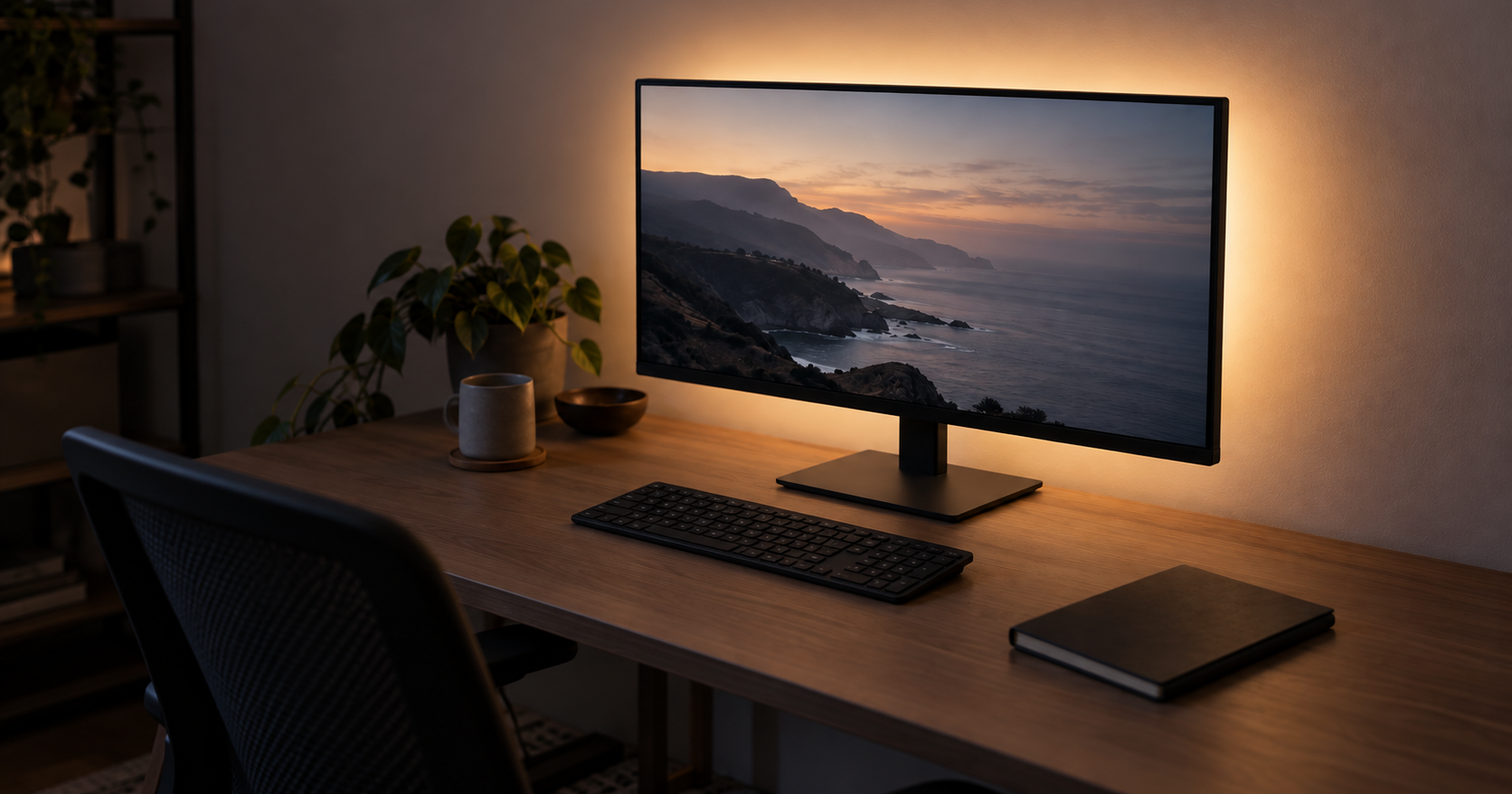
- In a home office with a window, bias lighting is an evening product: after dark the room falls toward the 10 lux the standard assumes.
- A bias light points at the wall, a monitor light bar at the desk and a key light at your face. Only the light bar helps you read what is on the desk.
- On a video call the wall behind your monitor is in front of you, so whatever color the strip is set to reaches your face by bounce.
- For the standard's purpose, a strip fixed at 6500K that states its CRI and white point is the match. Screen sync changes the light with the picture, the opposite of the standard's constant background.
The 6500K figure on bias lighting products comes from a real standard, and the clause that sets it also sets the room around it: 10 lux, a darkened screening room with the lights nearly out. The workplace lighting figure for a room in the middle of a working day is 500 lux. In a room with a window, a bias light does something in the evening and little at noon.
If you buy one for the reason the standard describes, a strip fixed at 6500K is the one that matches it. If you take video calls, keep whatever strip you have on a neutral color, because the wall it lights is in front of your webcam. All of this assumes a monitor that faces a wall. If yours faces a window, none of the geometry below holds and a bias light has no surface to work with.
What the 6500K standard specifies
The figure comes from ITU-R BT.2035, a recommendation for the reference viewing environment used to evaluate HDTV material. It sets three viewing conditions, two for the wall behind the screen and one for the room:
- Chromaticity of the background: D65, which is where 6500K comes from, with D93 as a regional option.
- Luminance of that background, relative to the peak luminance of the picture: 10% +/- 2% of the reference white value.
- Room illumination: 10 lux.
The three are written as one set, and quoting the first without the other two takes 6500K out of context. On an HDR display, peak white is a different figure from the 100 cd/m2 reference white the recommendation sets, so 10% of it is a different absolute level than on the SDR panel the recommendation had in mind. We give no figure for that.
The recommendation was written for a room where judging the picture is the only task and nothing else needs to be legible. Its numbers exist to make that color judgment consistent, and it claims no benefit beyond that. A home office is the opposite case.
This guide is about a room, a measurement and a device, not about a body. It makes no claim about eye strain, headaches, fatigue or how anything feels. Discomfort that persists belongs with an optometrist, not with a lighting purchase.
The American Academy of Ophthalmology's general advice on screens starts from the other end: adjust your screen brightness to match the light around you. That changes the screen rather than the room, and it costs nothing.
Why a daytime home office sits outside the standard
A lit workplace, the kind of room you are in, has a different standard. A 2021 practice review of workplace lighting recommendations records the European standard EN 12464-1 as setting horizontal illuminance at a workplace at 500 lx, a minimum in its 2019 draft, with wall reflectance recommended at 0.5 to 0.8 and the luminance ratio between the working field and its immediate surroundings held at no more than 3:1. The same review records measured workplaces at only 100 lx for more than half the day, which is still ten times the screening room.
Between the two standards the gap is fifty to one. In a room lit to the office figure, the wall behind your monitor is a large surface returning half to four fifths of that light back into the room. A bias light switched on at noon adds a modest amount of light to a wall that is already lit, so its effect is small.
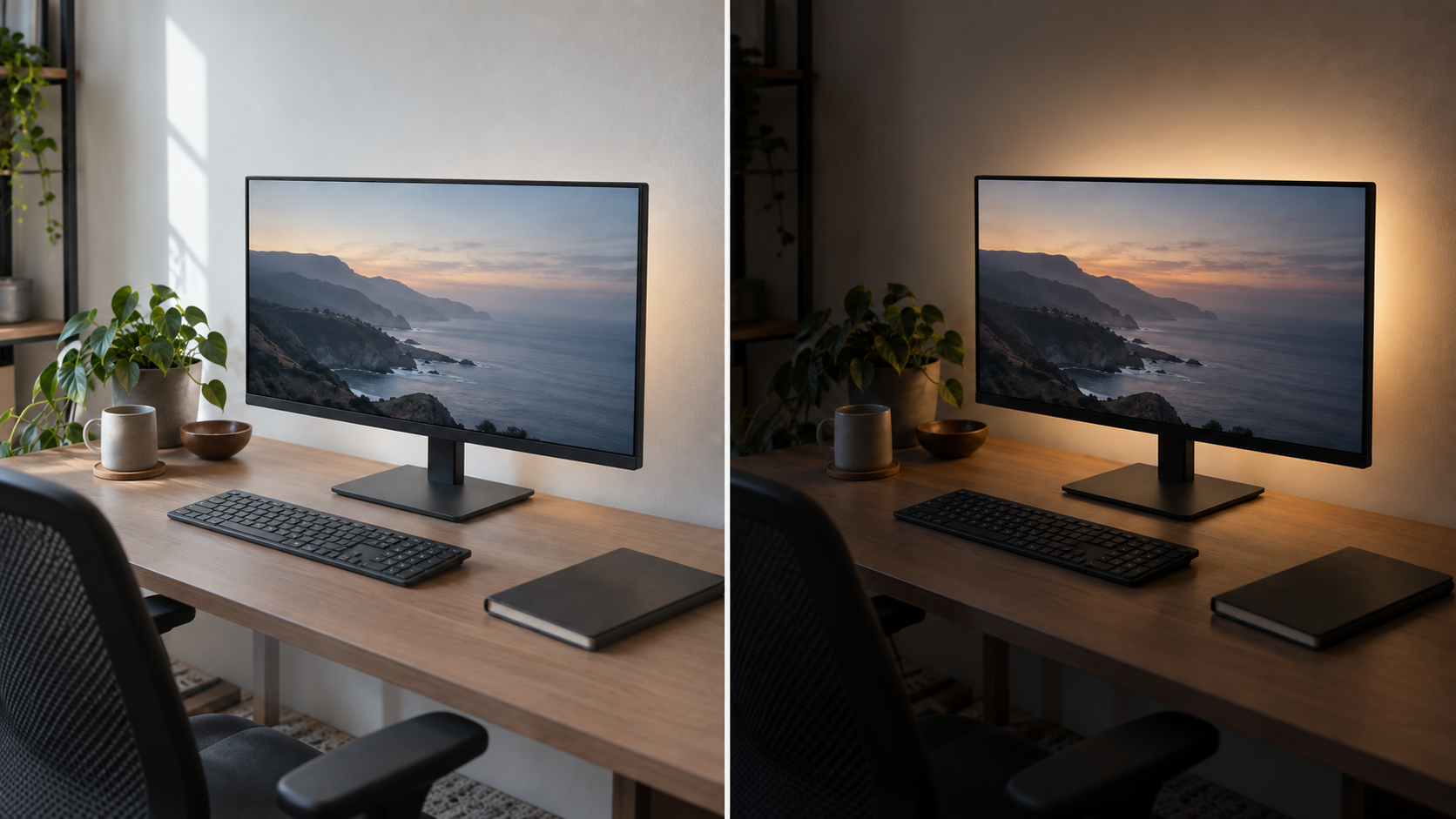
After dark the room falls on its own toward the range the viewing standard describes, and the strip starts doing the job it was designed for. Whether bias lighting works depends on the time of day more than on the product, and that is the thing to settle before buying, because it decides whether you will notice the strip at all.
The same thing happens with the 1,000 ppm figure on an air quality monitor, where a figure lifted out of a standards document gets applied to a room the standard was not describing. The figure is not wrong; it was written for different conditions.
Three lights that point in three directions
Three kinds of light are sold for the space around a monitor, and the difference between them is which way they face.
- A bias light mounts on the back of the panel and points away from you, at the wall.
- A monitor light bar clamps to the top edge and points down and forward, at the desk. BenQ's ScreenBar Halo 2 is specified by BenQ with an 18-degree cut-off angle so the beam lands on the desk rather than the screen, 500 lx across an 85 x 50 cm area, a 2700K to 6500K range and USB-C power.
- A key light stands beside or behind the webcam and points at your face.
If you cannot read the notebook next to the keyboard, no amount of light on the wall behind the monitor will fix it; that is the light bar's job. The two products solve opposite halves of the desk. Some hardware now does both, with a task light on the front edge and a backlight on the rear of the same bar, which is a reasonable answer if the desk has room for one device and not two.
What the strip does on a video call
The webcam sits on the monitor looking at you. The wall the strip lights is behind that camera, which means it is in front of you. Light leaving the strip hits the wall and comes back toward your face. A bias light is a soft frontal bounce, weak, and tinted by the wall it lands on multiplied by whatever color the strip is set to.
A video call is not what a bias light is sold for. But if you spend much of the day on calls, the strip behind your monitor is a lighting choice you are making on camera, whether you meant it that way or not.
A white wall and a fixed 6500K strip give a neutral fill you are unlikely to notice. A saturated color on a white wall gives a colored fill that everyone else on the call notices, and a color left on from the evening is still there the next morning. The color setting on a bias light is also a video-call setting, so check it before the next call.
The spec that decides the purchase
The choice is between a strip fixed at 6500K and a full-color strip, and the difference is in what the strip is for, not in price.
Everything the viewing standard asks for is an argument for one constant color temperature. A fixed strip does that and cannot be set wrong. Full-color strips are aimed at televisions and gaming rather than color judgment, and on a full-color strip the standard-compliant setting is a setting you have to select and then leave alone.
The category that builds to that number is small, and it states the two figures that matter. Scenic Labs' MediaLight range, for instance, lists a simulated D65 white point at 6500K on the LX1, Mk2 v2 and Pro2, a color rendering index of 95 on the entry-level LX1 and 98 or higher on the Mk2 v2, and USB power on the standard strips (the 24-volt 5 and 10 meter versions are not USB-compatible). Its Mk2 v2 bulb is designed to comply with SMPTE ST 2080-3:2017. Those are Scenic Labs' own figures. The two to look for on any strip are the CRI and the white point: a strip sold as reference bias lighting states both, and a generic LED strip may state neither. That gap on the spec sheet is the main difference between the two categories.
Screen sync sharpens the same conflict. Syncing the light to what is on screen requires the light to change continuously with the picture, while the standard asks for a background that stays put so the picture can be judged against it. Read against the standard, those are opposite goals, sold as the same feature. If the reason for buying is color judgment, sync is working against it. If the reason is that games and films look better, sync is the whole point and the standard is not the document you are shopping against.
The sync route also carries a hardware cost. To sync lights to a computer monitor, Philips Hue requires a Bridge on the network plus the free desktop app, so the strip is not the only purchase.
Two physical points close out the decision. The strip has to be invisible from where you sit, because a directly visible LED is a small bright source in your field of view and defeats the purpose. And a monitor pushed flat against a wall gives the light nowhere to go, so check that there is a gap behind the panel before buying anything.
Sources
Everything above comes from the viewing standard behind the 6500K figure, a workplace lighting review, the makers' own specifications and the American Academy of Ophthalmology's advice on screens, accessed in September 2026. How we research explains the approach.
- ITU-R, "A reference viewing environment for evaluation of HDTV program material or completed programmes" (Recommendation BT.2035, 07/2013; section 1.1 for the D65 background, the 10% background luminance and the 10-lux room)
- Frontiers in Psychiatry, "Should We Re-think Regulations and Standards for Lighting at Workplaces? A Practice Review on Existing Lighting Recommendations" (2021; the EN 12464-1 figures and the 100 lx measured in workplaces)
- American Academy of Ophthalmology, "Computers, Digital Devices, and Eye Strain" (adjusting screen brightness to the light around you)
- BenQ, "ScreenBar Halo 2" (18-degree cut-off angle, 500 lx over 85 x 50 cm, 2700K to 6500K, USB-C)
- Philips Hue, "Sync Lights to PC for Gaming" (the Bridge and desktop app needed to sync lights to a PC)
- Scenic Labs, MediaLight: "LX1", "Mk2 v2 Flex", "Pro2 24 Volt" and "Mk2 v2 bulb" (D65 at 6500K, CRI 95 and 98 or higher, USB and 24-volt versions, SMPTE ST 2080-3:2017)