
Are Walking Pads Worth It for a Home Office? Three Numbers to Check Before Buying
The first check for a walking pad is your desk, because the pad adds 10.7 to 16 cm (4.2 to 6.3 in) under your feet. Only one maker rates its pad for hours a day, and only one gives a noise figure. Four pads compared at US prices, with the room each one fits.
What to know
- A walking pad puts 4.2 to 6.3 in under your feet, so subtract the pad's height from your desk's maximum height before buying; a desk that tops out at 48.7 in becomes a 42.4 in desk on a 16 cm pad.
- Only LifeSpan rates its pad for a working day, 7 hours a day for the TX6-GlowUp, and covers the frame for 10 years; WalkingPad and Urevo give 1 year, with a 180-day extension at Urevo.
- Only Urevo gives a noise figure: approximately 35 dB for the CyberPad for Office under its own test conditions, varying with speed, footwear, floor and room. WalkingPad and LifeSpan give none.
- Weight ratings run from 220 lb on the WalkingPad C2 to 400 lb on the Urevo CyberPad for Office and the LifeSpan TX6; the pads themselves weigh 36.6 to 98.5 lb, which decides whether one goes under a bed every evening.
- US list prices on September 25, 2026, before tax: Urevo SpaceWalk E1L $169.99, WalkingPad C2 $449 on sale from $599, Urevo CyberPad for Office $479.99, $409.99 with the checkout discount, LifeSpan TX6-GlowUp $1,299 on sale from $1,499.
Whether a walking pad is worth it comes down to three numbers you can check before paying. The first is your desk's maximum height minus the pad's height, because the pad lifts you 4.2 to 6.3 in and the desk has to follow. The second is what the maker rates the pad for: hours a day, user weight, and how long the warranty runs. The third is noise, which decides whether the pad can run during calls, and two of the three makers here give no figure for it.
This guide compares four pads from three makers, the WalkingPad C2, the Urevo SpaceWalk E1L and CyberPad for Office, and the LifeSpan TX6-GlowUp, with a pick for each room. The figures are for the US versions; outside the US, check the local spec sheet. The guide is about the machines and the room they go in, not the steps, the calories or what walking while working does for you.
Desk height: subtract the pad from the desk's maximum
The pad's height is the number that matters most for a desk you already own. The WalkingPad C2 is 4.9 in high, the Urevo SpaceWalk E1L 4.2 in, the LifeSpan TX6-GlowUp 5.8 in, and the Urevo CyberPad for Office 6.3 in. Standing on the pad, you are that much higher, so the desk has to reach the height you set it to when standing, plus the pad.
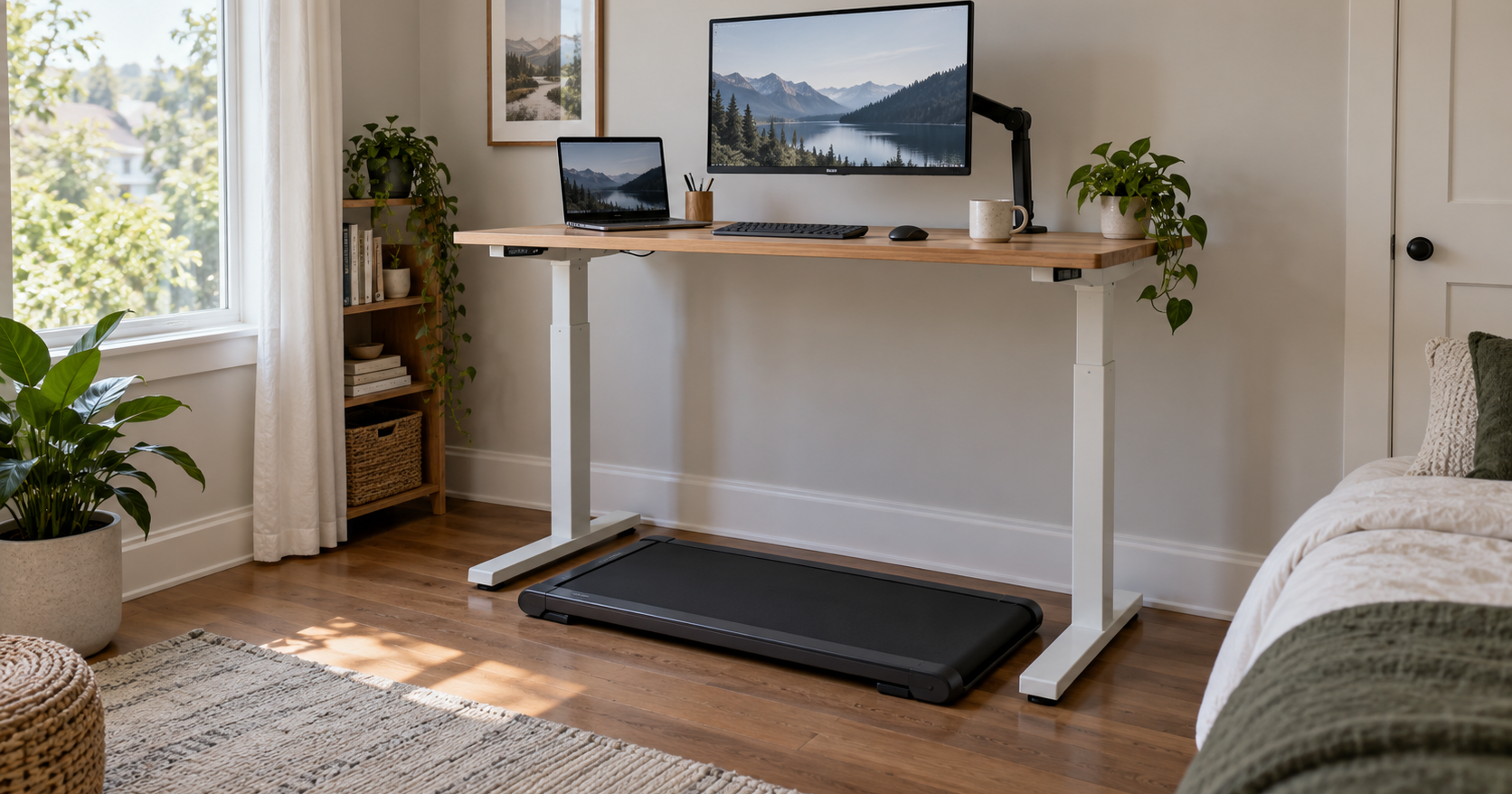
Check it with one line of arithmetic: your desk's maximum height, minus the pad's height, has to be at or above the height you already set the desk to when standing. The desks in the small-office desk guide top out at 48.7–53.5 in. Uplift rates the lowest of those, its own 48.7 in with a 1 in desktop, as reaching a standing 95th percentile at 6 ft 3 in. On a 16 cm pad that same desk behaves like a 42.4 in desk; on the 10.7 cm E1L, like a 44.5 in one. If your desk falls short, the pad is a desk purchase too, and the desk guide lists the maximums. Urevo says the CyberPad "fits 90% of desks" but gives no desk height, so that does not replace the arithmetic.
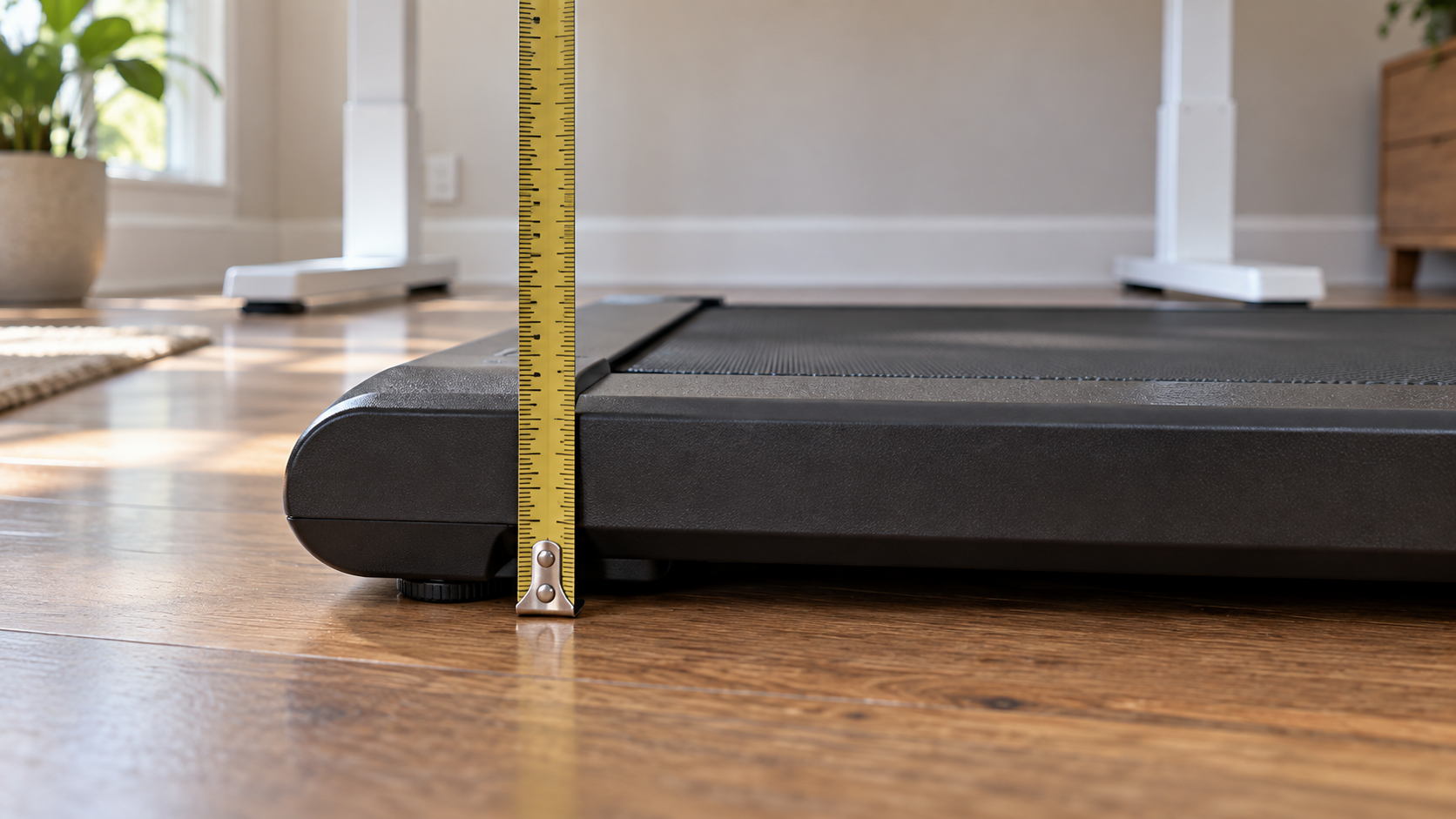
A pad raises your eyes by the same 10.7 to 16 cm, so a monitor set for standing without a pad sits lower relative to you with one; the monitor arm guide covers how much vertical range an arm gives you to correct that.
Hours a day, user weight and warranty: what the makers rate
LifeSpan is the only maker of the three that rates its pad for a working day: the TX6-GlowUp is recommended for 7 hours a day, with a 400 lb user limit and a warranty of 10 years on the frame, 2 on parts and 1 on labor. It is also the heaviest and the widest pad here, 98.5 lb and 28 in across, with a top speed of 6.0 mph.
The other three pads come with a user-weight rating and a one-year warranty. The Urevo CyberPad for Office is rated to the same 400 lb as the LifeSpan, with a one-year warranty plus a 180-day extended warranty; the SpaceWalk E1L is rated to 265 lb on the same warranty. The WalkingPad C2 is rated to 220 lb, the lowest here, with a one-year warranty and an optional extension. None of these three has an hours-per-day rating, so for a pad that will run under a desk most of the day, the TX6 is the only one rated for that use.
The C2 runs 1 to 4 mph (WalkingPad gives the top as 6 km/h), both Urevos 0.6 to 4 mph, and the LifeSpan 0.4 to 6 mph. All four start at walking speed. For a pad under a desk we would look at the bottom of the range before the top, and the two Urevos and the LifeSpan start below 1 mph.
Noise on a call: one figure, with conditions
Urevo is the only maker here that gives a decibel figure: the CyberPad for Office is designed to run at approximately 35 dB under Urevo's specified test conditions. The more useful part is what Urevo adds: the actual level varies with speed, footwear, floor type and the surrounding workspace, the four things that change the number in your room.
If the pad has to run while you are on calls, check the return terms before buying, because three of the four pads come without a number to compare. WalkingPad says only that the C2's motor "runs quietly enough not to disturb anyone else", and LifeSpan gives no figure for the TX6. Urevo gives 14 days with free return on the CyberPad; WalkingPad and LifeSpan give 30 days.
Storage and the room: folded size, weight, floor and outlet
In a bedroom office the pad has to go somewhere between sessions. The WalkingPad C2 folds to 82.5 x 51.8 x 13.6 cm (32.5 x 20.4 x 5.4 in) and weighs 55 lb, and WalkingPad says it stores under a bed or sofa. The Urevo E1L does not fold but is 107 x 49 x 10.7 cm (42.1 x 19.3 x 4.2 in) flat and 36.6 lb, with transport wheels, and Urevo says it stores under sofas or beds. The CyberPad for Office is 109 x 58 x 16 cm (42.9 x 22.8 x 6.3 in) and 63.1 lb. The LifeSpan TX6 is 152 x 71 x 14.7 cm (60 x 28 x 5.8 in) and 98.5 lb. LifeSpan calls it "just 5 inches high" and easy to store under a bed, while its spec table gives 5.8 in; at 44.7 kg we would plan on it staying put rather than going under the bed every evening.
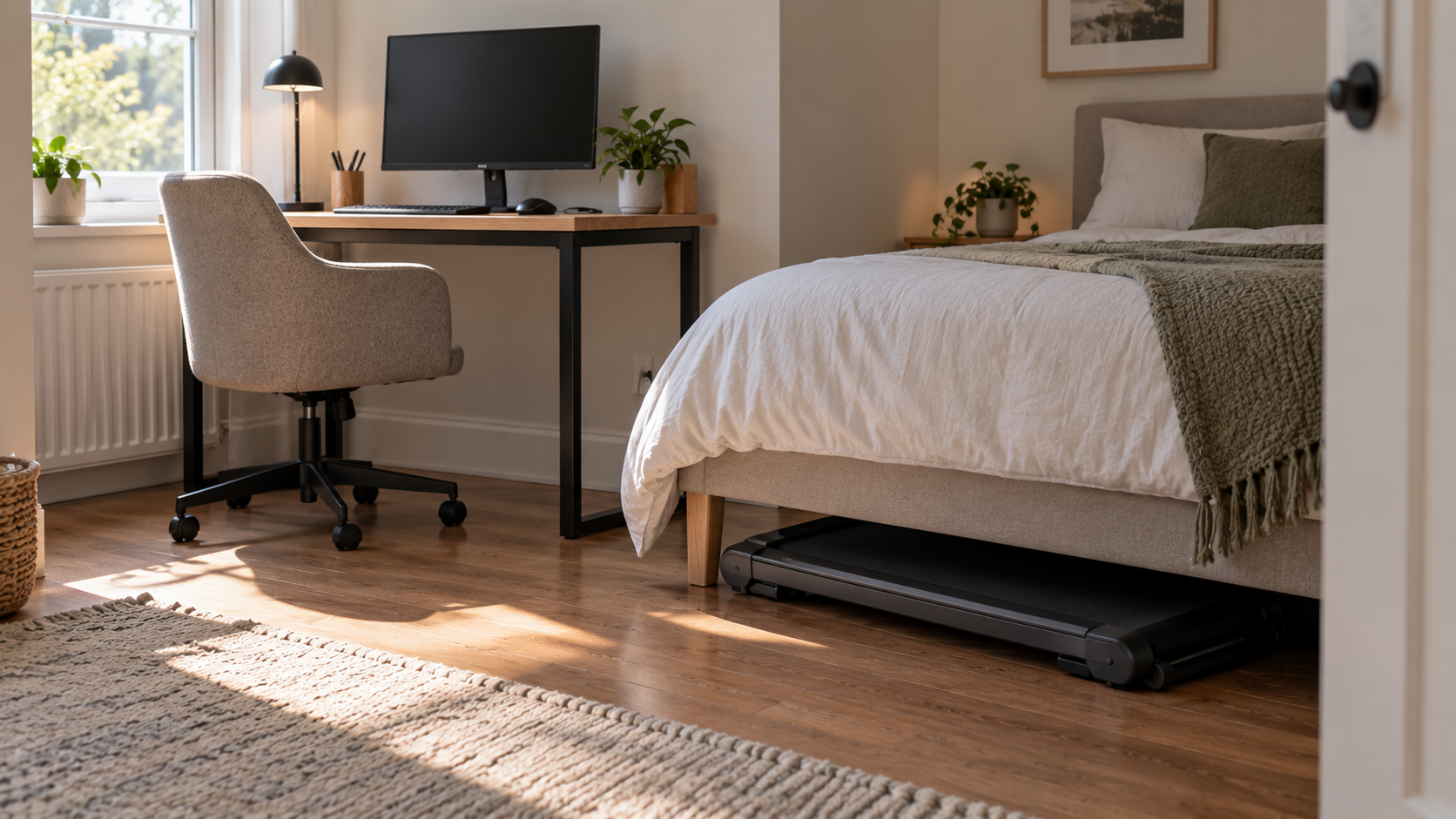
Keep the CyberPad off carpet: Urevo says not to use it there, to keep the heat-dissipation holes under the motor cover clear, and to put it on a running mat, which comes with the pad as a free gift. The outlet is the other room question. The TX6 needs a 115 V NEMA 5-15 non-GFI circuit, and LifeSpan asks you not to plug it into a GFI outlet or circuit because that may trip the breaker; WalkingPad lists 110 V for the C2. In a bedroom that has no wired ceiling light, one outlet may be on the wall switch by the door, which the bedroom desk guide explains; a pad on that outlet stops when someone flips the light.
Four pads for four rooms
US list prices in USD on September 25, 2026, before tax and shipping, with each maker's specifications:
- Urevo SpaceWalk E1L, $169.99 (on sale from $189.99). 107 x 49 x 10.7 cm (42.1 x 19.3 x 4.2 in), belt 90 x 38 cm (35.4 x 15 in), 36.6 lb, rated to 265 lb, 0.6 to 4 mph, 2.5 HP, no incline, app and remote, one-year warranty plus 180 days. The lowest pad here at 10.7 cm and the lightest, and the cheapest way to find out whether a pad gets used; the belt is also the shortest.
- WalkingPad C2, $449 (on sale from $599). 144.5 x 51.8 x 12.8 cm (56.9 x 20.4 x 4.9 in), folded 82.5 x 51.8 x 13.6 cm (32.5 x 20.4 x 5.4 in), belt 120 x 40 cm (47.2 x 15.7 in), 55 lb, rated to 220 lb, 1 to 4 mph (up to 6 km/h), 3 HP, app, remote and foot-controlled speed, one-year warranty with an optional extension. The one that folds in half; the 100 kg rating is the lowest here.
- Urevo CyberPad for Office, $479.99 ($409.99 with the discount Urevo applies at checkout). 109 x 58 x 16 cm (42.9 x 22.8 x 6.3 in), belt 100 x 42 cm (39.4 x 16.5 in), 63.1 lb, rated to 400 lb, 0.6 to 4 mph, 2.5 HP, 0 to 14 percent auto-incline, approximately 35 dB under Urevo's test conditions, one-year warranty plus 180 days. The only noise figure of the four, and the same 181 kg rating as the LifeSpan at well under half its price; also the tallest pad, at 16 cm, so run the desk arithmetic first.
- LifeSpan TX6-GlowUp, $1,299 (on sale from $1,499). 152 x 71 x 14.7 cm (60 x 28 x 5.8 in), belt 122 x 51 cm (48 x 20 in), 98.5 lb, rated to 400 lb and 7 hours a day, 0.4 to 6 mph, 4.5 HP peak, warranty 10 years frame, 2 parts, 1 labor. The only pad here rated for a working day; it needs 71 cm of floor width and a 115 V non-GFI outlet.
Which one, by room. A desk that reaches your standing setting with little to spare: the E1L, because 10.7 cm is the smallest number to subtract. A bedroom office where the pad has to disappear: the C2, the only one of the four that folds, if the 100 kg rating covers you. Calls all day, or a user above 120 kg, or a wish for an incline: the CyberPad for Office, with the desk arithmetic done first. A pad that will run under the desk most of the working day: the TX6, because LifeSpan is the only maker that says how many hours a day its pad is meant to run.
Sources
Everything above comes from the makers' US product and comparison pages below, accessed on September 25, 2026. Specifications are given in the makers' units, with the makers' metric figures where they give them and our conversions where they do not; prices are US list prices in USD on that date, before tax and shipping. How we research explains the approach.
WalkingPad, "New to WalkingPad? Compare Models & Find the Right One for You" (C2 weight, capacity, speed, motor, controls; dimensions rounded to inches)
WalkingPad, "WalkingPad C2 Foldable Under-Desk Walking Treadmill" (price, 110 V, warranty, 30-day returns, belt, folded and unfolded size in millimeters, under-bed line, motor noise line)
Urevo, "UREVO SpaceWalk E1L Smart Walking Pad" (price, tech specs, warranty, storage and wheels)
Urevo, "UREVO CyberPad for Office Smart Treadmill" (price and checkout discount, tech specs, incline, 35 dB statement and its conditions, warranty and returns, "fits 90% of desks", carpet and mat)
LifeSpan Fitness, "TX6-GlowUp Under Desk Treadmill" (price, specs, 7 hours per day, step-up height, warranty, 30-day return, 115 V NEMA 5-15 non-GFI and the breaker line, under-bed line)
UPLIFT Desk, "ANSI/BIFMA G1-2013 Height Standard, UPLIFT V2-Commercial Height Range" (48.7 in top of range with a 1 in desktop, reaching a standing 95th percentile at 6 ft 3 in; the figure the desk guide uses)